Best YouTube Content Repurposing Tools in 2026: Turn Videos Into More Content Without Starting Over
You spend hours producing a YouTube video.
You research the topic, write the script, record the narration, edit the footage, create the thumbnail, and finally publish.
Then the video goes live, and most of its ideas remain trapped inside that one upload.
You might share the YouTube link on social media or cut out a few clips, but the majority of the research and insights never reach audiences on other platforms.
This is where YouTube content repurposing tools become valuable.
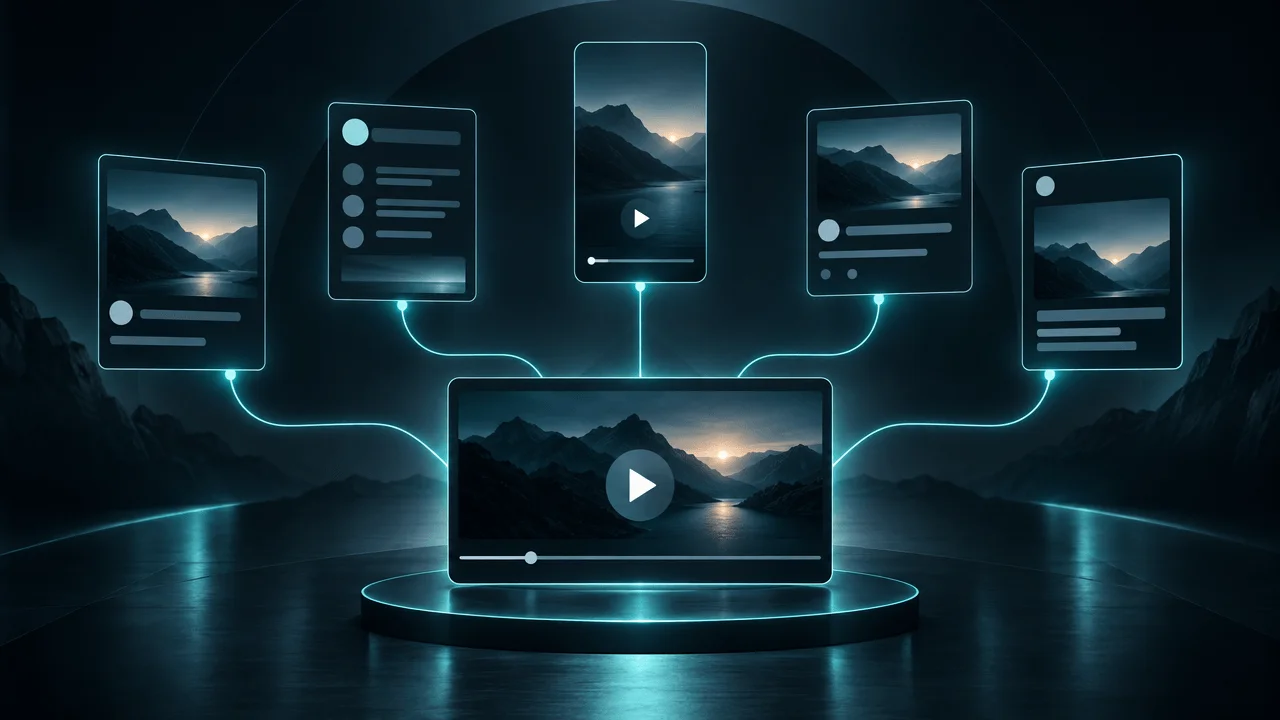
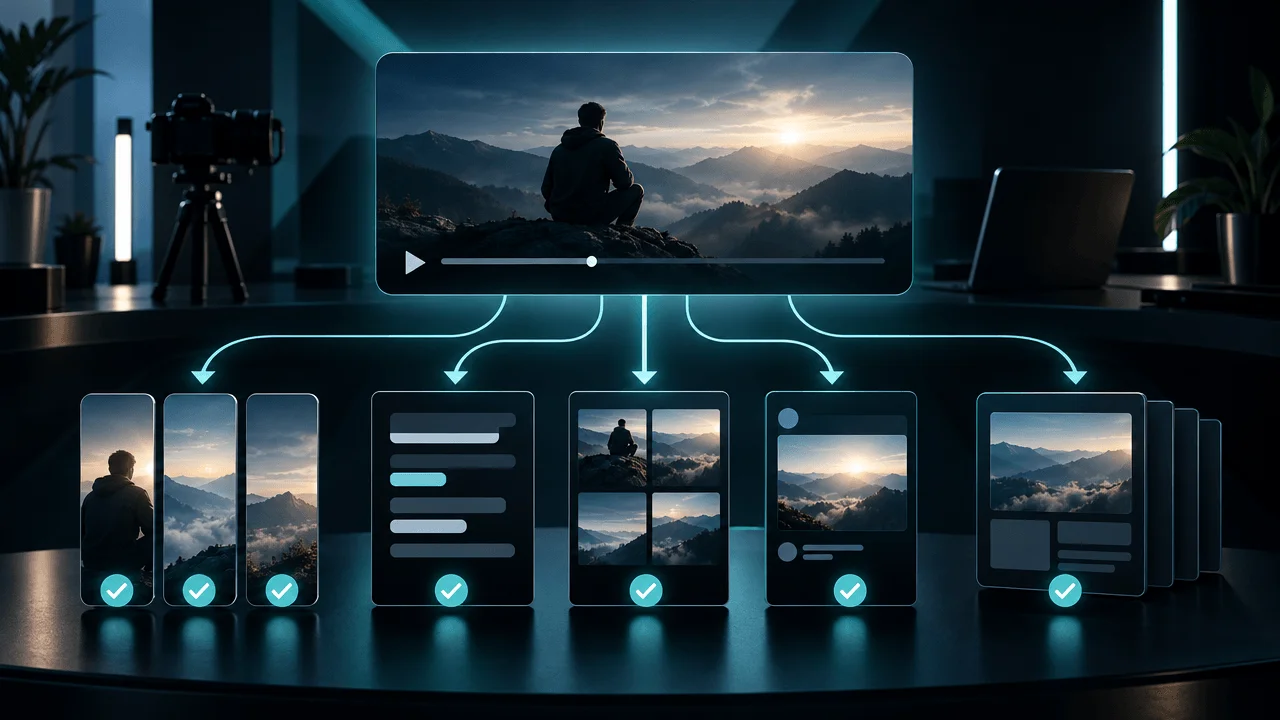
The right software can turn one long-form video into short clips, written posts, discussion threads, articles, and other content formats without forcing you to recreate everything manually.
But there is an important distinction between these tools.
Some specialize in cutting videos into Shorts. Others turn transcripts into written content. Some automatically distribute existing content across platforms. And a smaller category focuses on adapting the original ideas into platform-native posts.
Choosing the wrong category can leave you paying for software that solves only a fraction of your actual problem.
In this guide, we'll compare the best YouTube content repurposing tools in 2026, explain what each platform actually does, examine their limitations, and help you choose the right solution for your content operation.
Quick Verdict: Best YouTube Content Repurposing Tools in 2026
| Tool | Best For | Main Strength | Main Limitation |
|---|---|---|---|
| OverseerOS Distribution Studio | Turning videos into platform-native written content | Source-grounded X, Reddit, and Facebook drafts with creator-tone support | Not a video clipping or automatic publishing platform |
| OpusClip | Turning long videos into Shorts | AI clip selection, captions, reframing, and short-form editing | Focuses primarily on video-to-video repurposing |
| Descript | Transcript-based video and audio editing | Edit recordings through text and create additional content from transcripts | Requires more editorial involvement for distribution assets |
| Castmagic | Turning recordings into written content | Transcripts, summaries, social posts, and other text assets | More recording and transcript-oriented than YouTube strategy-focused |
| Repurpose.io | Automating content distribution | Connecting content sources and automating supported publishing workflows | Distribution automation does not necessarily improve the content itself |
| Riverside | Recording and repurposing podcasts and interviews | Recording, transcription, editing, and clips | Better suited to recording-led workflows |
| Vizard | Turning long recordings into short clips | AI clipping, subtitles, and social-ready exports | Primarily focused on video clipping |
| Buffer | Managing and scheduling social posts | Content calendar, scheduling, and multi-platform publishing | Not a complete video-to-content research system |
My recommendation: If you want to turn existing YouTube videos into short clips, start with OpusClip or Vizard. If you want to convert recordings into written content, compare Castmagic and Descript. If you want to automate distribution, look at Repurpose.io. If you want to turn one video, article, or script into original platform-native written posts, OverseerOS Distribution Studio is the most relevant option.
The best tool depends on what you want to create from your original content.
What Is YouTube Content Repurposing Software?
YouTube content repurposing software helps creators transform existing videos, recordings, scripts, and other source material into additional content formats.
Instead of producing every piece of content independently, you reuse the information and creative work already contained in your original material.
For example, one 20-minute YouTube documentary could potentially produce:
- Several YouTube Shorts.
- Instagram Reels.
- TikTok videos.
- X posts and threads.
- Reddit discussions.
- Facebook posts.
- LinkedIn content.
- Blog articles.
- Educational summaries.
- Newsletter content.
However, these outputs require different workflows.
The Four Categories of Content Repurposing Tools
Understanding these categories is the most important part of choosing the right software.
| Category | What It Does | Example Tools |
|---|---|---|
| Video clipping | Extracts shorter video segments from longer recordings | OpusClip, Vizard |
| Transcript-to-content | Converts recordings into written assets | Castmagic, Descript |
| Automated distribution | Moves and publishes existing content across supported platforms | Repurpose.io |
| Platform-native adaptation | Rewrites source material into content designed for individual platforms | OverseerOS Distribution Studio |
These categories overlap, but they are not interchangeable.
A video clipping tool might produce ten Shorts without generating a single useful Reddit post.
A transcript tool might create a summary but not understand how to turn the strongest argument into a compelling X thread.
A distribution platform might publish your content everywhere without improving its quality.
The objective is to choose software that solves your actual distribution bottleneck.
The 8 Best YouTube Content Repurposing Tools Compared
1. OverseerOS Distribution Studio: Best for Turning Videos Into Platform-Native Written Content
Best for: YouTube creators, faceless channel operators, and content teams that want to transform existing videos into original social media drafts.
Most repurposing tools focus on extracting pieces of existing content.
OverseerOS Distribution Studio approaches the problem from a different direction.
It takes an existing source and transforms its strongest ideas into original content designed for different platforms.
This matters because a YouTube video and a Reddit post are fundamentally different content experiences.
Simply extracting a paragraph from a transcript and publishing it elsewhere does not make it platform-native.
Distribution Studio is designed to adapt the underlying information.
How OverseerOS Distribution Studio Works
1. Start With Existing Content
You can provide supported source material, including:
- YouTube URLs.
- Articles.
- Web pages.
- Text.
For video sources, the workflow extracts usable source content through transcript extraction, with a Whisper fallback where needed.
This allows you to start with material you have already produced.
2. Build a Source Brief
Rather than immediately generating random captions, OverseerOS Distribution Studio creates a working understanding of the source.
This includes:
- Important points.
- The central argument.
- Relevant context.
- The strongest content angle.
- Audience context.
This provides a foundation for the generated content.
3. Generate Platform-Specific Drafts
Current Distribution Studio outputs include:
- X.
- Reddit.
- Facebook.
Each platform receives its own draft.
For example, an educational YouTube video could become:
- An X thread developing its strongest argument.
- A Reddit discussion built around an interesting question.
- A Facebook post explaining the most accessible insight.
The goal is to create independent pieces of content rather than three copies of the same summary.
4. Use Your Creator Voice
One of the important differences is the ability to use different writing directions.
OverseerOS Distribution Studio supports:
- Preset tones.
- Your own tone direction.
- Saved Creator DNA Tone DNA.
This helps creators maintain a recognizable writing identity across different distribution channels.
A post should not suddenly sound like generic AI marketing copy simply because it was generated from a YouTube transcript.
5. Choose the Content Length
Different content formats require different levels of detail.
Distribution Studio provides length presets to help control the generated output.
You can create shorter posts or more developed explanations depending on the intended platform.
6. Review and Publish
OverseerOS Distribution Studio generates drafts.
You review, edit, copy, and publish them through your chosen platform workflow.
It is not an automatic social media publishing scheduler.
This distinction is important when comparing it with distribution automation platforms.
Where OverseerOS Distribution Studio Is Strongest
It is particularly useful for:
- Faceless YouTube channels.
- Educational creators.
- Documentary channels.
- AI and technology channels.
- Multi-channel operators.
- Creators producing substantial long-form content.
- Agencies managing content distribution.
The biggest advantage is that it connects source extraction, content adaptation, and creator voice.
Instead of manually rewriting the same ideas for every destination, you can generate a set of drafts from one source.
Where OverseerOS Distribution Studio Is Not the Right Fit
If your main objective is automatically finding viral moments inside a 60-minute recording and cutting them into vertical videos, use a dedicated video clipping platform.
If you need automatic publishing and scheduling, use a distribution platform.
Distribution Studio is designed for the written content adaptation problem.
Verdict: Best for creators who want to transform existing YouTube content into original written posts without repeatedly starting from a blank page.
Website: https://www.overseeros.com/features/distribution-studio
2. OpusClip: Best for Turning Long YouTube Videos Into Shorts
Best for: Creators who want to extract short-form videos from existing long-form content.
OpusClip focuses on one of the most common repurposing workflows: converting long recordings into shorter videos.
You upload or provide a supported video source, and the platform helps identify segments that could work as independent clips.
Main Features
- AI-assisted clip selection.
- Automatic reframing.
- Animated captions.
- Short-form video editing.
- Speaker detection.
- Clip scoring features.
- Social-ready video exports.
This is particularly useful for podcasts, interviews, webinars, and educational videos.
Instead of manually reviewing an entire recording to find interesting moments, you can use AI to identify potential clips.
Example Workflow
Original YouTube video:
"How Artificial Intelligence Is Changing Scientific Research"
Potential clips:
- The most surprising scientific discovery.
- An explanation of how AI accelerates research.
- A misconception about artificial intelligence.
- A particularly interesting prediction.
- A short explanation of an important breakthrough.
Each clip can become a separate short-form video.
Where OpusClip Is Strongest
OpusClip is useful when your primary output is video.
It reduces the manual work involved in finding, cutting, reframing, and captioning short clips.
Main Limitations
A strong video clip is not necessarily a strong written post.
OpusClip is not primarily designed to transform a documentary's arguments into thoughtful Reddit discussions, original X threads, or Facebook explanations.
You may still need another tool for written distribution.
Verdict: Choose OpusClip if your main goal is turning long YouTube videos into short-form video content.
Website: https://www.opus.pro/
3. Descript: Best for Transcript-Based Editing and Content Creation
Best for: Creators who want to edit recordings through text and build additional content from transcripts.
Descript takes a different approach to editing.
Instead of treating video editing exclusively as a traditional timeline operation, it lets you work with the transcript.
You can remove sections of spoken content by editing text and use transcription as part of the broader production workflow.
Main Features
- Automatic transcription.
- Text-based video editing.
- Audio editing.
- Screen recording.
- Captions.
- Filler-word removal.
- AI-assisted editing.
- Voice-related editing features.
- Export workflows.
This is especially useful for interview-based content, podcasts, tutorials, and talking-head videos.
Why It Is Useful for Repurposing
A transcript makes the underlying information easier to work with.
You can identify:
- Interesting statements.
- Strong explanations.
- Quotable moments.
- Important examples.
- Sections worth turning into clips.
You can then edit the original material or develop additional content.
Main Limitations
Descript is primarily an editing and recording platform.
If your objective is generating platform-native written posts from an existing YouTube URL, you may need an additional content adaptation workflow.
Verdict: Choose Descript when transcript-based editing and content production are central to your workflow.
Website: https://www.descript.com/
4. Castmagic: Best for Turning Recordings Into Written Content
Best for: Podcasters, interview creators, and teams that want to extract written assets from recordings.
Castmagic focuses on transforming audio and video recordings into useful written material.
Instead of treating a recording as a single finished asset, it helps creators turn the conversation into additional content.
Main Features
Depending on the plan and workflow, Castmagic offers:
- Transcription.
- Summaries.
- Show notes.
- Social media posts.
- Content outlines.
- Key takeaways.
- Repurposed written assets.
- AI-assisted content generation.
This is particularly valuable for creators who produce podcasts and interviews.
A 60-minute interview can contain dozens of useful ideas that would otherwise remain inside the recording.
Example Workflow
Original YouTube video:
"How Successful Founders Build Better Companies"
Potential outputs:
- Interview summary.
- Key lessons.
- Social media posts.
- Quote collections.
- Newsletter drafts.
- Article outlines.
This can reduce the manual effort required to extract information from long recordings.
Main Limitations
Castmagic is more focused on recording and transcript workflows than YouTube-specific content strategy.
You still need to decide which ideas deserve distribution and how they should be adapted for individual audiences.
Verdict: Choose Castmagic if you regularly produce podcasts, interviews, or long recordings that contain substantial written-content opportunities.
Website: https://www.castmagic.io/
5. Repurpose.io: Best for Automated Cross-Platform Distribution
Best for: Creators who want to automate the movement of existing content between supported platforms.
Repurpose.io focuses on distribution automation.
The central idea is simple:
Create content once, then use automated workflows to distribute it to other supported destinations.
This is useful when you already have a consistent production system and want to reduce repetitive publishing tasks.
Main Features
- Automated content workflows.
- Supported platform integrations.
- Cross-platform publishing.
- Video distribution.
- Workflow automation.
- Content routing.
- Publishing rules.
For example, you might configure a workflow where a published video or short-form asset is sent to another supported platform.
This can save time when managing several distribution channels.
Where Repurpose.io Is Strongest
It is particularly useful for creators who already have finished content and want to automate repetitive distribution.
It can help reduce the number of manual publishing steps.
Main Limitations
Automating distribution does not automatically improve the content.
A YouTube description copied to another platform remains a YouTube description.
The platform does not replace the creative work of developing a compelling, platform-specific message.
Verdict: Choose Repurpose.io when your primary bottleneck is repetitive distribution and publishing.
Website: https://repurpose.io/
6. Riverside: Best for Repurposing Podcasts and Interviews
Best for: Creators who record interviews, podcasts, and conversations.
Riverside combines recording and content production.
It is particularly useful when the original source is a podcast or interview that needs to become several additional assets.
Main Features
- Remote recording.
- Separate participant recordings.
- Transcription.
- Video editing.
- AI-assisted clip creation.
- Captions.
- Recording management.
- Content export.
The platform is valuable because repurposing begins during the recording workflow rather than only after the final video has been published.
For example, an interview can be recorded, transcribed, edited, and transformed into shorter clips.
Main Limitations
Riverside is strongest when you are producing recordings inside its ecosystem.
Creators who already have finished YouTube documentaries may not need its recording functionality.
It is also not a complete YouTube strategy and competitor research platform.
Verdict: Choose Riverside if interviews and podcasts are your primary content sources.
Website: https://riverside.fm/
7. Vizard: Best for Turning Webinars and Long Videos Into Short Clips
Best for: Creators and teams that need to extract short videos from longer recordings.
Vizard focuses on AI-assisted video repurposing.
It helps identify potential clips from longer recordings and prepare them for short-form distribution.
Main Features
- AI-assisted clip selection.
- Automatic transcription.
- Captions.
- Vertical reframing.
- Short-form editing.
- Video exports.
- Social content workflows.
This makes it useful for:
- Webinars.
- Educational videos.
- Interviews.
- Podcasts.
- Long-form YouTube content.
Main Limitations
Vizard primarily addresses video clipping.
It does not replace a dedicated platform-native writing workflow for creators who want to transform the same source into original text posts.
Verdict: Choose Vizard if you want an accessible video-to-clips workflow.
Website: https://vizard.ai/
8. Buffer: Best for Managing and Scheduling Repurposed Social Content
Best for: Creators and social media teams managing multiple publishing channels.
Buffer is a social media management platform.
Its primary role is helping users organize, prepare, and schedule content across supported networks.
Main Features
- Publishing calendar.
- Post scheduling.
- Draft management.
- Multi-platform workflows.
- Social media analytics.
- Team collaboration.
- Content organization.
This is useful after your content has already been created.
For example, you might generate an X thread, prepare a Facebook post, and create a LinkedIn update using a separate writing workflow.
Buffer can then help organize and schedule supported posts.
Main Limitations
Buffer is not primarily a YouTube transcript extraction or content research platform.
It is better understood as a publishing and social management tool.
If you want to extract the strongest arguments from a YouTube video and rewrite them into original platform-specific drafts, you may need a separate tool.
Verdict: Choose Buffer if scheduling and managing social media content are your biggest operational challenges.
Website: https://buffer.com/
Best YouTube Content Repurposing Tools by Use Case
Choosing the right tool becomes easier when you start with the output you actually need.
| Your Goal | Best Starting Tools |
|---|---|
| Turn YouTube videos into X threads | OverseerOS Distribution Studio |
| Turn YouTube videos into Reddit discussions | OverseerOS Distribution Studio |
| Turn YouTube videos into Facebook posts | OverseerOS Distribution Studio |
| Turn long videos into YouTube Shorts | OpusClip, Vizard |
| Convert podcasts into written content | Castmagic |
| Edit videos through transcripts | Descript |
| Repurpose interviews | Riverside, Castmagic |
| Automatically distribute existing content | Repurpose.io |
| Schedule social media posts | Buffer |
| Maintain a recognizable creator writing tone | OverseerOS Distribution Studio |
The important distinction is between creating more assets and distributing existing assets.
Some creators need more clips.
Others already have enough video content but struggle to distribute its ideas in written form.
Choose based on the actual bottleneck.
How to Choose the Best Content Repurposing Tool for Your YouTube Channel
Before paying for another subscription, answer five questions.
1. What Is Your Main Source Material?
Different tools work best with different inputs.
| Source Material | Suitable Tool Category |
|---|---|
| Published YouTube video | Transcript extraction and repurposing |
| Long podcast recording | Podcast and transcript tools |
| Interview | Recording and clipping tools |
| Finished video file | Video editing and clipping tools |
| Article or research document | Text repurposing tools |
| Existing social post | Writing and adaptation tools |
Do not buy a platform before confirming that it supports your actual source material.
2. What Do You Want to Produce?
This is more important than the number of features advertised.
Do you need:
- Short-form videos?
- Text posts?
- X threads?
- Reddit discussions?
- Blog articles?
- Newsletters?
- Automatically published content?
A tool that creates excellent Shorts might be completely unsuitable for writing original social content.
3. Does It Actually Adapt the Content?
Look beyond the word "AI."
A useful repurposing tool should preserve the original meaning while adapting the content to the destination.
For example:
A Reddit post needs more context and genuine discussion value.
An X thread needs a strong opening and a coherent sequence of ideas.
A Facebook post may need a more conversational explanation.
A short-form video needs a spoken hook and a clear payoff.
The output should feel intentional.
4. Can It Maintain Your Brand Voice?
This is particularly important when operating several channels.
Your content should not sound identical regardless of who publishes it.
Evaluate whether the tool supports:
- Custom tone instructions.
- Voice profiles.
- Reusable brand settings.
- Channel-specific writing styles.
- Editing and revision.
For serious creators, voice consistency is more valuable than simply generating a large number of drafts.
5. Does It Save Enough Time to Justify Its Cost?
Calculate the actual value.
Suppose you produce four long-form YouTube videos every month.
Without a repurposing system, you spend 45 minutes adapting each video into additional written content.
That is three hours per month.
If a tool reduces the work to 10 minutes per video, you save approximately 2 hours and 20 minutes monthly.
This is an illustrative calculation, not a guaranteed time saving.
The real benefit depends on your source material, editing requirements, and the quality of the generated drafts.
Do not pay for software simply because it produces more content.
Pay for software that removes meaningful work.
The Best Content Repurposing Workflow for YouTube Creators
The strongest setup combines different tools according to their strengths.
You do not necessarily need one platform to do everything.
Here is a practical workflow.
Step 1: Produce Your Original YouTube Video
Start with a video that contains substantial original information.
Examples include:
- Educational documentaries.
- Tutorials.
- Industry analysis.
- Interviews.
- Product explanations.
- Research-based videos.
The better the source, the more useful the potential repurposed assets.
Step 2: Extract the Strongest Ideas
Identify the most valuable elements:
- Main arguments.
- Surprising observations.
- Important examples.
- Useful explanations.
- Practical lessons.
- Questions worth discussing.
Avoid generating several versions of the same idea.
Step 3: Select Your Repurposing Format
Choose based on the content.
For example:
- Use OpusClip or Vizard for video clips.
- Use OverseerOS Distribution Studio for written platform-native posts.
- Use Descript for transcript-based editing.
- Use Repurpose.io for supported distribution automation.
Step 4: Adapt Each Asset
Make the content appropriate for its destination.
Do not simply paste the same summary everywhere.
Create a distinct opening, structure, and conclusion for each platform.
Step 5: Review the Outputs
Check:
- Accuracy.
- Context.
- Originality.
- Tone.
- Platform suitability.
- Copyright and usage rights.
- Community guidelines.
AI-generated content should not be published without appropriate review.
Step 6: Publish and Measure
Track:
- Reach.
- Engagement.
- Shares.
- Comments.
- Referral traffic.
- Website visits.
- Qualified leads.
- YouTube channel discovery.
The objective is to understand which content formats create meaningful outcomes.
Why Most AI Content Repurposing Workflows Produce Generic Content
There is a reason some creators generate dozens of social posts from one video and still struggle to get meaningful engagement.
The problem is often the workflow.
A basic AI repurposing process looks like this:
- Extract transcript.
- Summarize transcript.
- Ask AI to generate social posts.
- Publish everything.
The problem is that summarizing and repurposing are different tasks.
A summary explains what happened in the original content.
A repurposed post extracts an idea and presents it in a way that makes sense independently.
Consider this example.
Original video:
"Why Some AI Startups Fail Despite Having Better Technology"
A generic AI summary might say:
"This video explains why AI startups can struggle despite having advanced technology, discussing market demand, product positioning, competition, and execution."
That is accurate, but it is not an especially interesting social post.
A better adaptation might be:
"Having better technology doesn't guarantee a better business.
An AI startup can build an impressive product and still fail because customers don't have a compelling reason to change their existing workflow.
The real competitive advantage isn't always the model.
Sometimes it's understanding the problem better than everyone else."
The second version develops one argument.
It can stand on its own.
This is the difference between summarizing content and distributing its strongest ideas.
The Best Content Repurposing Stack for Different Types of Creators
Solo YouTube Creators
| Workflow | Recommended Tool |
|---|---|
| Long-form video to Shorts | OpusClip |
| Video to written social posts | OverseerOS Distribution Studio |
| Publishing calendar | Buffer |
| Native YouTube publishing | YouTube Studio |
Keep the system simple.
One tool for clips, one for written adaptations, and one for publishing.
Faceless YouTube Channels
| Workflow | Recommended Tool |
|---|---|
| Research and original production | OverseerOS |
| Video production | OverseerOS Auto Edit |
| Video to Shorts | OpusClip or Vizard |
| Video to written posts | OverseerOS Distribution Studio |
| Publishing | YouTube Studio and your chosen social platforms |
Faceless channels often produce substantial amounts of research-based content.
The biggest opportunity is distributing the original ideas without repeatedly rewriting them.
Podcast and Interview Creators
| Workflow | Recommended Tool |
|---|---|
| Recording | Riverside |
| Transcript-based editing | Descript |
| Written content extraction | Castmagic |
| Short-form clips | OpusClip |
| Social scheduling | Buffer |
This stack is useful when the original content is primarily conversations and recordings.
YouTube Agencies
| Workflow | Recommended Tool |
|---|---|
| YouTube strategy | OverseerOS |
| Short-form video clipping | OpusClip or Vizard |
| Written content adaptation | OverseerOS Distribution Studio |
| Production management | ClickUp or Airtable |
| Client approvals | Planable |
| Publishing | YouTube Studio and supported social platforms |
Agencies should avoid buying several tools that perform the same job.
Define the workflow first, then choose the software.
Frequently Asked Questions
What is the best YouTube content repurposing tool in 2026?
The best tool depends on the output. OverseerOS Distribution Studio is a strong choice for turning videos, articles, and other sources into platform-native written posts. OpusClip is better for short-form video clipping, Castmagic for transcript-based written assets, and Repurpose.io for distribution automation.
How do I turn a YouTube video into multiple social media posts?
Extract the transcript, identify the strongest independent ideas, and adapt each one for its destination. You can use OverseerOS Distribution Studio to generate source-grounded X, Reddit, and Facebook drafts from supported YouTube URLs and other source material.
What is the difference between a video clipping tool and a content repurposing tool?
A video clipping tool extracts shorter video segments from existing recordings. A broader content repurposing tool can transform the information into different formats, such as written posts, articles, summaries, or other assets.
Can AI automatically repurpose YouTube videos?
Yes. AI tools can extract transcripts, identify interesting moments, generate video clips, summarize information, and create written drafts. However, different platforms specialize in different outputs, and human review remains important.
What is the best tool for turning YouTube videos into X threads?
OverseerOS Distribution Studio is designed to transform source material into platform-native X drafts. It uses the original content as the basis for the generated post rather than requiring creators to start with a blank prompt.
What is the best tool for turning YouTube videos into Shorts?
OpusClip and Vizard are strong starting points for turning longer recordings into short-form video clips. Both focus on identifying useful segments and preparing them for short-form distribution.
Can I turn a YouTube video into Reddit posts?
Yes. You can extract the video's main ideas and adapt them into standalone discussions. OverseerOS Distribution Studio supports generating Reddit drafts from source material. Always follow the rules of the relevant subreddit and avoid treating communities as promotional link destinations.
Is content repurposing the same as cross-posting?
No. Cross-posting generally means publishing the same or similar content on multiple platforms. Repurposing involves adapting the original material into different formats and messages designed for each destination.
Does content repurposing help YouTube channels grow?
It can increase the number of opportunities for people to discover your ideas outside YouTube. It may also create referral traffic and introduce new viewers to your channel. Results depend on the quality of the original material, audience fit, and distribution strategy.
How many social media posts can one YouTube video produce?
There is no fixed number. A substantial video may contain several independent ideas that can become separate posts, threads, discussions, or clips. The number of useful outputs depends on the actual content rather than an arbitrary target.
Should I use one content repurposing tool or several?
Start with the tool that solves your biggest bottleneck. If you need Shorts, use a video clipping platform. If you need written posts, use a text adaptation platform. If you need automatic publishing, use a distribution platform. Add another subscription only when it solves a distinct problem.
Does OverseerOS Distribution Studio automatically publish social media posts?
No. OverseerOS Distribution Studio generates platform-specific drafts that creators can review, edit, copy, and publish. It is a content adaptation workflow, not an automatic social publishing scheduler.
Can OverseerOS Distribution Studio write in my own tone?
Yes. OverseerOS Distribution Studio supports preset tones, custom tone direction, and saved Creator DNA Tone DNA. This allows generated drafts to follow a creator's writing characteristics while remaining original and grounded in the source.
Can I use content repurposing tools for articles as well as videos?
Yes. Some platforms accept articles, webpages, and written material. OverseerOS Distribution Studio supports video URLs, articles, webpages, and text as source material, allowing creators to generate platform-specific drafts from different types of content.
Final Verdict: Choose the Tool That Creates the Content You Actually Need
Content repurposing is not one single task.
It involves extracting valuable information, selecting the right ideas, adapting them into useful formats, and distributing them to relevant audiences.
The best tool depends on where your workflow is breaking.
Choose OverseerOS Distribution Studio if you want to turn existing videos, articles, and source material into original platform-native written content.
Choose OpusClip if your priority is converting long videos into Shorts.
Choose Descript if you want transcript-based editing and audio/video production.
Choose Castmagic if you regularly turn podcasts and recordings into written assets.
Choose Repurpose.io if your main goal is automating supported distribution workflows.
Choose Riverside if you produce podcasts and interviews.
Choose Vizard if you need AI-assisted video clipping.
Choose Buffer if your main problem is organizing and scheduling social media posts.
You do not need every tool.
You need a workflow that extracts more value from the content you already produce without sacrificing quality.
The biggest opportunity is not publishing the same video in ten places.
It is making the strongest ideas inside that video useful to ten different audiences.
Stop creating everything from scratch. Start getting more value from the work you've already done.
Turn your existing videos and research into platform-native written content with OverseerOS Distribution Studio.
Research Methodology and Sources
This comparison distinguishes four different repurposing jobs: video clipping, transcript-to-content generation, automated distribution, and platform-native written adaptation.
Tools were evaluated using the following criteria:
- Supported source formats.
- Available output formats.
- Video clipping capabilities.
- Transcript extraction.
- Written content generation.
- Platform-specific adaptation.
- Creator voice controls.
- Publishing and scheduling capabilities.
- Workflow suitability.
- Documented limitations.
The recommendations are editorial assessments based on publicly documented product capabilities. They are not claims that every platform was subjected to identical hands-on performance testing.
Official Product Sources
- OverseerOS Distribution Studio: https://www.overseeros.com/features/distribution-studio
- OpusClip: https://www.opus.pro/
- Descript: https://www.descript.com/
- Castmagic: https://www.castmagic.io/
- Repurpose.io: https://repurpose.io/
- Riverside: https://riverside.fm/
- Vizard: https://vizard.ai/
- Buffer: https://buffer.com/
For current prices, processing limits, and subscription allowances, consult the individual vendors' pricing pages before purchasing.