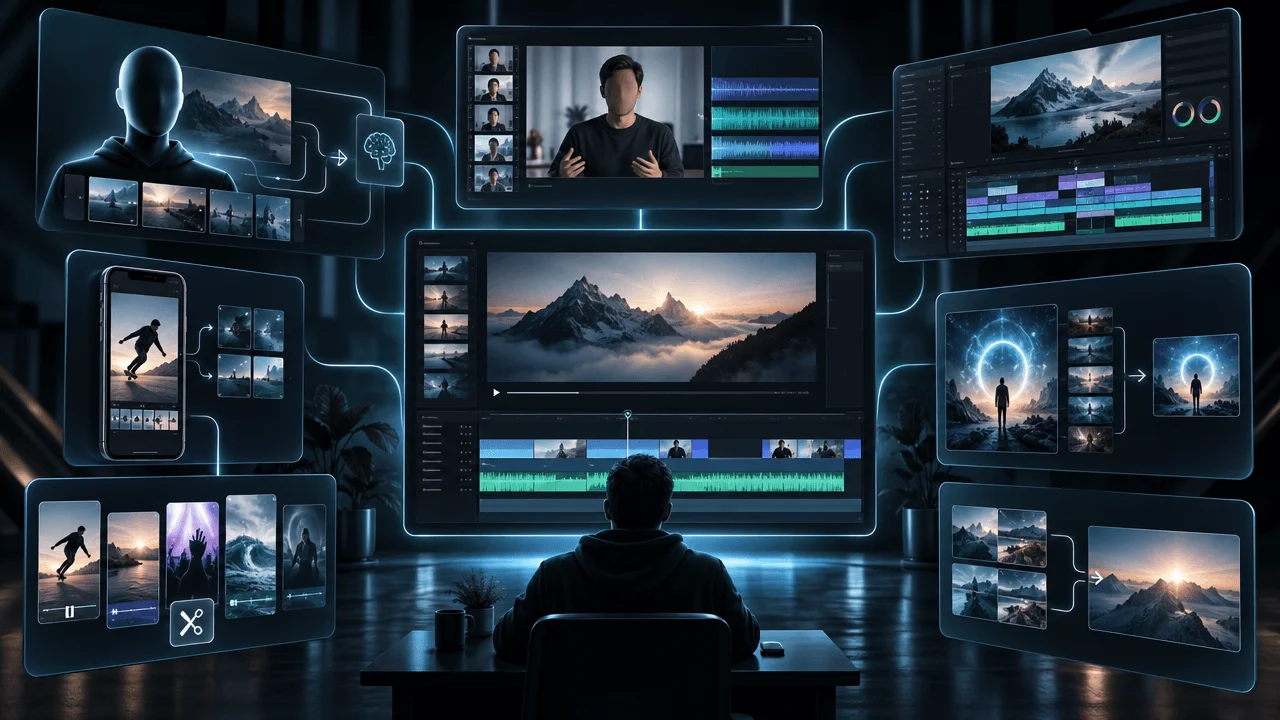
Most faceless psychology videos have a visual problem.
The narration explores fear, attachment, childhood, ego, loneliness, manipulation, or the unconscious mind.
But the screen shows a random person staring out a window.
Then someone walking through an office.
Then a generic brain animation.
The images technically match the topic. They just don't make the video interesting.
The best AI video tools for psychology YouTube channels do more than find relevant footage. They turn abstract psychological ideas into original visual stories.
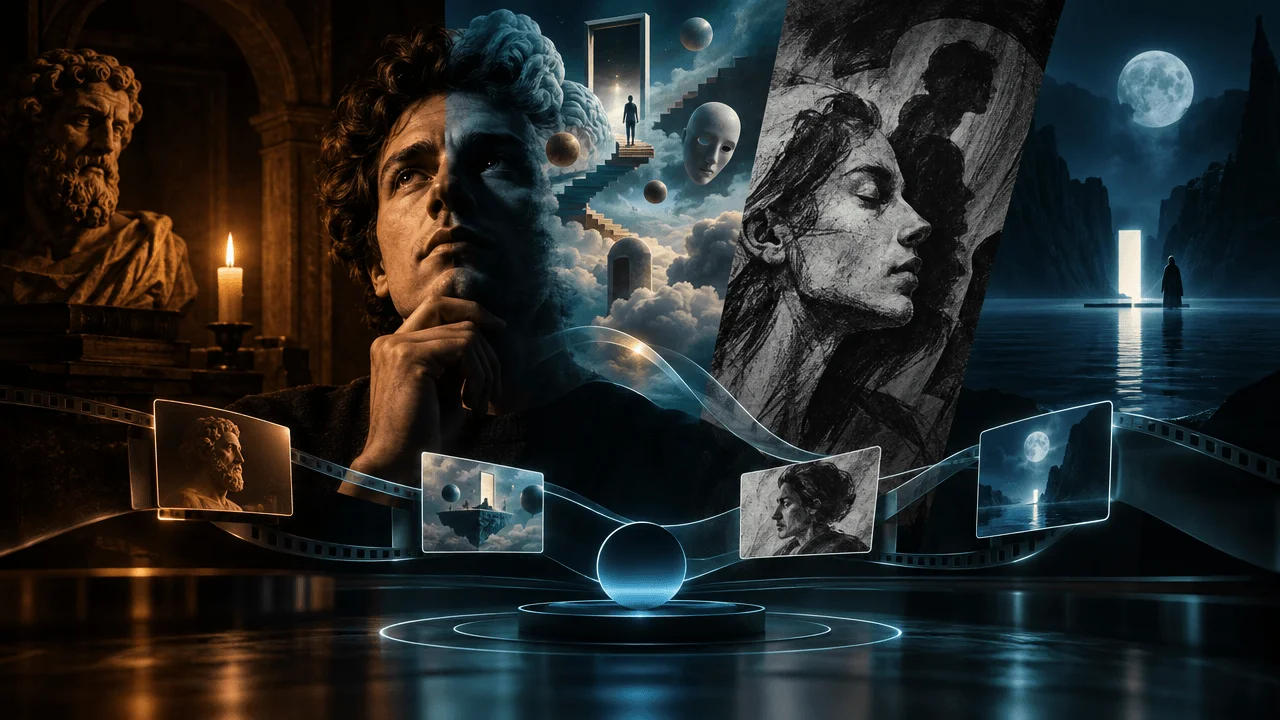
That might mean dark classical paintings, expressive charcoal illustrations, surreal dream sequences, minimalist animated characters, or cinematic symbolic imagery.
But which tools can actually create those styles, and which are better suited to ordinary stock-footage production?
We compared seven options for creators making psychology, philosophy, self-improvement, and wisdom videos.
Our recommendations focus on what matters for this niche: original visual direction, narration-led storytelling, style consistency, editing control, long-form support, and repeatable production.
Best AI Video Tools for Psychology YouTube Channels: Quick Comparison
| Tool | Best for | Visual approach | Main limitation |
|---|---|---|---|
| OverseerOS Auto Edit | Long-form psychology and philosophy channels | Script-driven scenes with dedicated psychology and wisdom styles | Requires creative review and generation credits |
| Atlabs | Animated psychology explainers | Recurring characters, stylized animated scenes | Published plan limits top out at 15 minutes |
| Runway | Cinematic psychological sequences | Original moving footage and image-to-video | Built for clips, not complete narrated episodes |
| Fliki | Narration-heavy psychology videos | Script-to-video with stock and AI visuals | Output quality depends on media and model choices |
| Invideo AI | Prompt-first psychology videos | AI-assisted assembly and generative media | Manual direction may still be needed for a distinctive style |
| Pictory | Educational psychology explainers | Stock-media-led script-to-video | Stock footage alone can look generic |
| ShortFast | Psychology Shorts and recurring short-form formats | Stick figures, cartoons, AI illustrations | Primarily focused on short-form creation |
Our picks:
- Best for dark, cinematic faceless psychology videos: OverseerOS Auto Edit.
- Best for animated psychology explainers with a recurring character: Atlabs.
- Best for dramatic dream sequences and cinematic inserts: Runway.
- Best for AI narration and multilingual production: Fliki.
- Best for prompt-first video assembly: Invideo AI.
- Best for stock-footage-based educational videos: Pictory.
- Best for quick psychology Shorts: ShortFast.
Research reviewed November 14, 2026. This comparison uses documented product features and verified OverseerOS implementation details. It is not based on an identical paid rendering test across all seven platforms.
Disclosure: OverseerOS publishes this comparison and is included as one of the competing products.
Why Psychology Channels Need Different AI Video Tools
A technology channel can show software demonstrations.
A history channel can show maps, buildings, and historical imagery.
A cooking channel can show food.
Psychology presents a different challenge.
How do you show a fear of abandonment?
What does emotional suppression look like?
How do you illustrate cognitive dissonance, self-sabotage, projection, or an unconscious psychological conflict?
These are abstract ideas.
Simply searching for a stock video labeled "sad person" rarely communicates the specific concept.
For a psychology channel, the visuals need to perform at least one of four jobs:
- Explain: Make a difficult psychological concept easier to understand.
- Dramatize: Show the viewer a recognizable human situation.
- Symbolize: Express an abstract idea through original imagery.
- Establish identity: Give the channel a recognizable visual language.
For example, imagine a video titled:
Why Some People Feel Guilty When They Rest
A generic stock-footage approach might show someone sitting on a couch looking worried.
An animated storytelling approach could show a character attempting to relax while unfinished tasks physically accumulate around them.
A surrealist approach could show a sleeping figure surrounded by floating clocks and demanding silhouettes.
A dark classical painting approach could depict a solitary person in a candlelit room, surrounded by symbols of obligation.
Each approach tells the story differently.
And each requires different AI production capabilities.
1. OverseerOS Auto Edit: Best for Dark, Cinematic Psychology Videos
Best for: Faceless psychology, philosophy, wisdom, spirituality, and self-improvement channels built around original scripts and narration.
Website: OverseerOS Auto Edit Studio
OverseerOS Auto Edit is particularly relevant to psychology channels because its production workflow and visual styles are designed to work together.
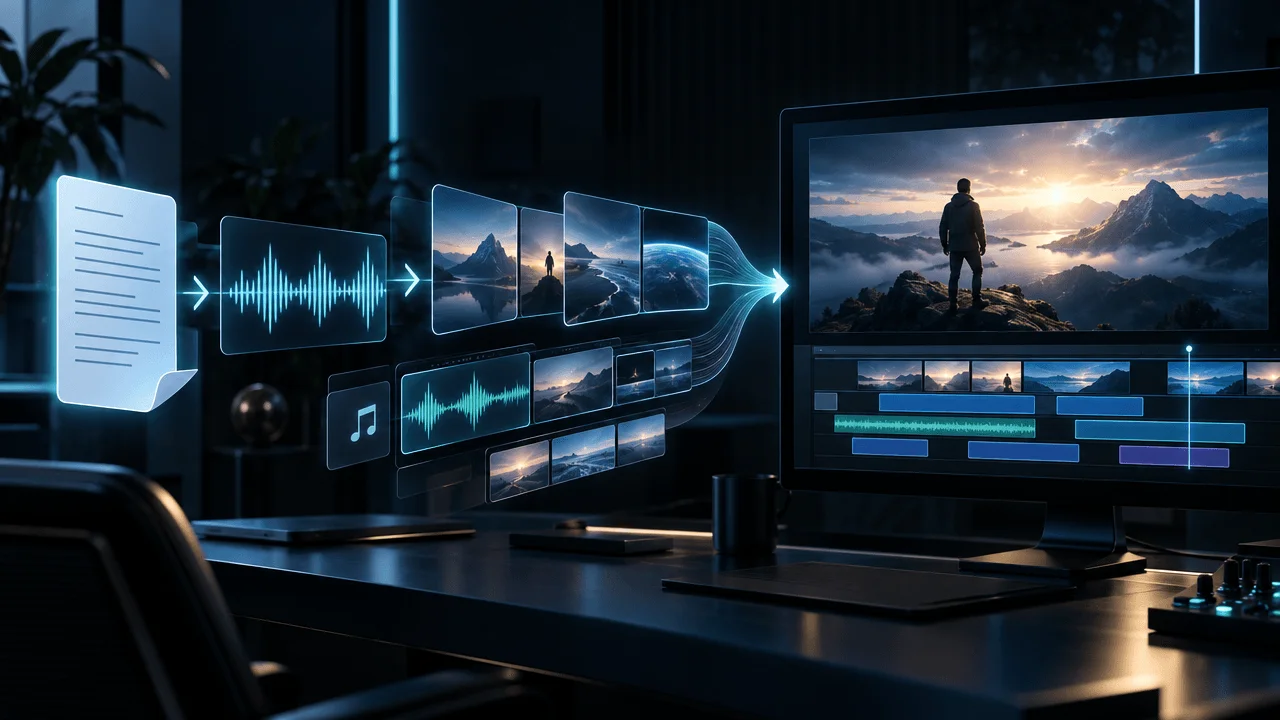
Instead of generating a random video from a short prompt, Auto Edit starts with a script and voiceover.
The narration guides the creation of individual scenes and their visual direction.
You can then review the results, correct supported scenes, add production elements, and export the video.
Six visual styles made for psychology and philosophy creators
In November 2026, OverseerOS introduced six dedicated visual styles for psychology, wisdom, and spiritual content.
| Style | Visual character | Best use |
|---|---|---|
| Dark Classical Painting | Candlelit old-master oil paintings | Philosophy, wisdom, emotional narratives |
| Jungian Surrealism | Dreamlike symbolic paintings | The unconscious mind, dreams, inner conflict |
| Dark Editorial Collage | Archival imagery, layered paper, editorial compositions | Social psychology, cultural analysis |
| Ethereal Nightscape | Moonlight, deep blues, soft atmospheric mist | Reflection, spirituality, contemplative stories |
| Philosophical Ink Wash | Expressive black ink compositions | Stoicism, Eastern philosophy, quiet introspection |
| Charcoal Psychology | Emotional, hand-drawn charcoal illustrations | Relationships, anxiety, behavior, personal struggles |
These are built-in Auto Edit styles rather than prompt suggestions you must recreate manually each time.
That distinction matters for channels producing recurring videos.
Example: Turning a psychological idea into a visual scene
Suppose your narration says:
"The fear of being abandoned can make someone search for rejection even when nothing is wrong."
A generic AI image prompt might produce a crying person.
A stronger visual direction would show:
A solitary figure sitting across from an empty chair in an immense candlelit room. The empty space dominates the composition. Warm light reaches the figure, while the distant doorway disappears into shadow.
The image communicates absence, anticipation, and emotional distance without pretending to show a scientifically established physical representation of abandonment.
That's the type of symbolic scene a psychology video can benefit from.
Why the script-first workflow matters
A 15-minute psychology video may contain many different emotional and conceptual moments.
The visual direction needs to change with the narration while preserving an overall style.
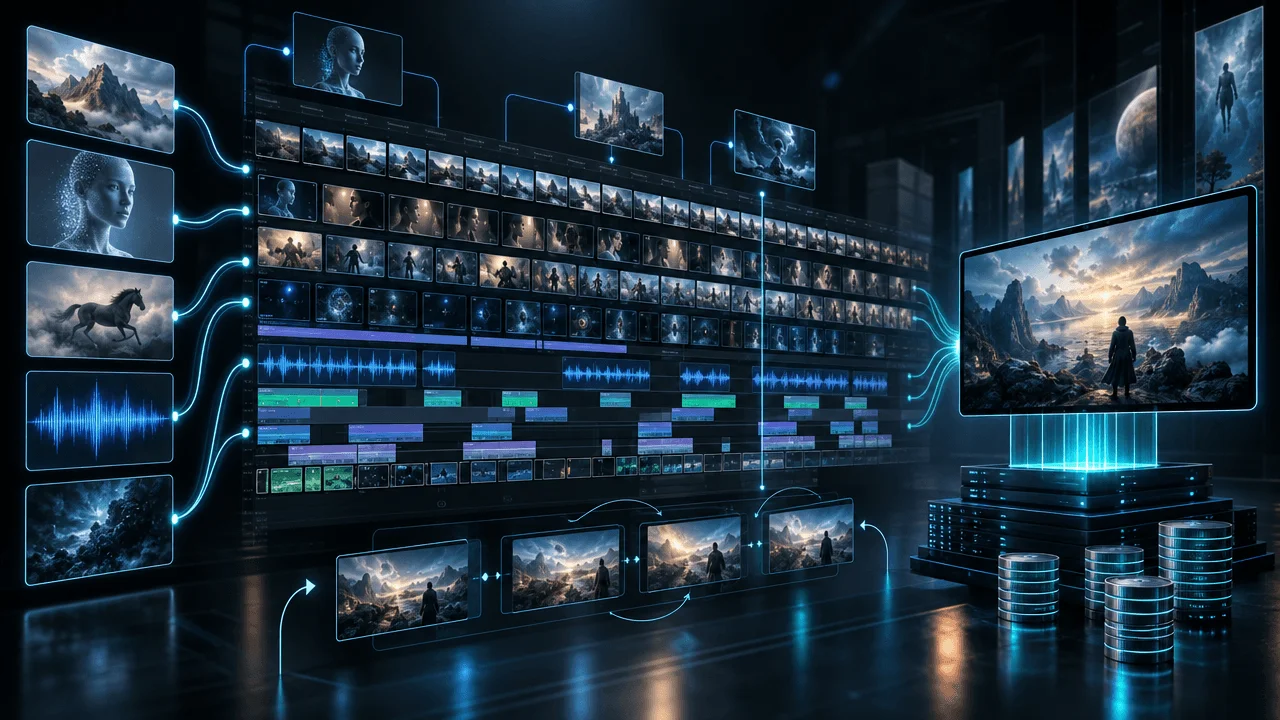
Auto Edit provides:
- Narration-based scene structure
- AI-generated scene images
- Built-in and saved visual styles
- Supported reference-based style analysis
- Consistent Character features
- Scene review and visual replacement
- Captions, music, and motion controls
- Long-form and Shorts workflows
- Supported video export
The current customer configuration supports projects up to 30 minutes, subject to scene, script, and account limits.
Image generation consumes Auto Edit credits. The current default public image model charges one visible credit per generated scene image, and optional features can have separate charges.
Where OverseerOS is strongest
Choose OverseerOS when you want to create an original, narration-led video with a specific art direction, particularly if you publish regularly.
Its advantage is the combination of visual styles and scene-based production inside a broader YouTube creator workflow.
Where it isn't the best fit
If your primary goal is fully animated 3D characters delivering dialogue, Atlabs may be a better fit.
If you only need a spectacular five-second dream sequence, Runway is more specialized.
If you want a rapid stock-footage-based explainer, Pictory may be simpler.
Verdict: The strongest fit on this list for creators who want to produce long-form, faceless psychology videos using dark paintings, symbolic illustrations, and consistent visual direction.
Create a psychology video with OverseerOS Auto Edit.
2. Atlabs: Best for Animated Psychology Explainers
Best for: Psychology channels that use recurring cartoon characters, animated examples, and consistent fictional environments.
Website: Atlabs
Atlabs has a dedicated psychology explainer workflow.
The platform can work from a short idea, an outline, or a complete script.
It then builds animated scenes around the concept.
One of its distinguishing features is the ability to establish a recurring character and visual world.
For example, a channel explaining procrastination could feature the same illustrated character across episodes.
One video follows the character putting off work.
Another explores the psychology of unfinished tasks.
A third examines the relationship between anxiety and avoidance.
Rather than generating an unrelated protagonist each time, the creator can build a recognizable animated series.
Where Atlabs stands out
Its documented capabilities include:
- Idea, outline, and script input
- Character and environment consistency controls
- Multiple visual styles
- Animated scene generation
- Scene-level editing
- AI narration or uploaded audio
- Horizontal and vertical exports
Atlabs also offers custom visual-style training.
Psychology video example
Topic: Why You Keep Checking Your Phone Without Thinking
A recurring character reaches for their phone every time an uncomfortable thought appears.
An animated sequence can make the habit loop visible.
This is more explanatory than a random stock clip of someone scrolling.
Important long-form limitation
Atlabs documents a 10-minute limit on its Plus plan and up to 15 minutes on Max.
That makes it a good candidate for shorter explainers but a less natural option for creators producing 20–30-minute documentaries.
Verdict: A particularly good fit for character-led animated psychology education.
3. Runway: Best for Cinematic Psychological Visuals
Best for: Surreal dream sequences, dramatic symbolic imagery, atmospheric moving footage, and cinematic inserts.
Website: Runway
Runway is not primarily an all-in-one faceless YouTube documentary maker.
Its strength is generative visual production.
For psychology content, that can be extremely useful.
Imagine creating footage of a person walking through a corridor where every door opens into the same room.
Or a city where everyone moves while one character stands motionless.
Or an endless staircase representing a repeating thought pattern.
These are visual metaphors.
You don't need them to be realistic. You need them to support the story.
What Runway provides
Runway's Gen-4.5 supports text-to-video and image-to-video generation, allowing creators to specify scenes and movement.
Its current documentation lists generation lengths of two to ten seconds for that model.
That makes Runway useful for individual shots.
It is not the same as generating a complete 20-minute psychology documentary from a voiceover.
The production tradeoff
Runway's Gen-4.5 documentation lists 12 credits per generated second.
Using many fully generated moving clips throughout a long video can therefore consume significant credits.
For this reason, a practical approach is to use cinematic generation selectively.
Create original hero moments with Runway, then assemble the rest of the documentary using a scene-based editing workflow.
Psychology video example
Topic: Why Your Brain Replays Conversations That Already Ended
A cinematic sequence shows a character walking through a hallway lined with repeating doors.
Each doorway reveals another version of the same conversation.
That visual could serve as a memorable opening or transition.
Verdict: Excellent for individual cinematic sequences, especially when visual storytelling requires motion that still images cannot communicate.
4. Fliki: Best for Psychology Videos Built Around Narration
Best for: Creators who care primarily about voiceover, script-to-video production, and multilingual publishing.
Website: Fliki
Fliki converts scripts into videos by splitting narration into scenes and pairing them with stock or AI-generated visuals.
It also offers AI voices, captions, and music.
For creators who want to publish psychology explainers in multiple languages, that is a useful combination.
Where Fliki fits
Imagine a channel explaining cognitive biases.
The creator has already researched the topic and completed the script.
Fliki can help turn that text into a narrated video without requiring the creator to assemble every element manually.
The platform also lets creators use AI-generated visuals instead of relying entirely on stock footage.
What to evaluate carefully
Fliki's quality depends on the choices made during production.
AI voices, visual models, stock media, and other features have different costs and capabilities.
A stock-heavy output may be fast to produce but lack the distinctive visual language that some psychology channels want.
Fliki's documented video-length limits also vary by plan, so long-form creators should verify the eligible tier.
Verdict: Strong for narration-first workflows, especially where multilingual audio is an important requirement.
5. Invideo AI: Best for Prompt-First Psychology Video Creation
Best for: Creators who want to begin with a written instruction and refine an automatically assembled video.
Website: Invideo
Invideo AI approaches video creation from a broad production perspective.
Users can describe the content they want, work with AI-generated material, and use editing tools to refine the result.
For psychology content, this can be useful when the creator wants a fast starting point.
For example:
Create a video explaining five reasons people avoid difficult conversations, using a calm narrator and dark illustrated visuals.
That gives the system a clear task.
The advantage
Invideo combines generative capabilities with editing tools.
Its documentation distinguishes ordinary timeline editing from credit-consuming AI generation.
Creators can trim, split, and rearrange existing clips without spending additional generation credits for those manual actions.
The limitation
A prompt specifying "cinematic psychology" doesn't guarantee that every generated scene will share a sophisticated or consistent visual identity.
The creator may still need to replace assets, refine the edit, and establish stronger art direction.
For a channel where the visual style is central to its identity, that is worth testing before purchasing.
Verdict: Good for creators who want flexible prompt-first production and are comfortable refining the output.
6. Pictory: Best for Straightforward Educational Psychology Videos
Best for: Psychology educators, course creators, and informational channels that prefer stock-footage-led explainers.
Website: Pictory
Pictory is particularly useful when you already have written content.
The platform focuses on turning scripts, articles, and other material into videos using existing media and supported AI features.
Where Pictory works well
Consider a video about the stages of sleep.
The creator may need:
- An opening explanation
- Clear section transitions
- Relevant illustrative footage
- On-screen text
- Narration
- A finished horizontal video
Pictory can be a practical choice for that kind of structured educational content.
Where it becomes less compelling
A highly atmospheric video about Carl Jung's concept of the shadow may require visual symbolism and distinctive artistic direction.
Ordinary footage of forests, mirrors, and people walking alone may not be enough.
A stock-footage-first approach can still work if the creator contributes strong editing, original graphics, and thoughtful visual storytelling.
But if the intended visual identity is illustrated or surreal, consider a tool that specializes in generated artwork.
Verdict: A sensible option for clear educational videos, less specialized for heavily art-directed psychological storytelling.
7. ShortFast: Best for Psychology Shorts
Best for: Creators publishing short psychology facts, cognitive-bias explainers, and illustrated social videos.
Website: ShortFast Psychology Video Generator
ShortFast has a dedicated psychology-video tool.
The creator supplies a concept or short prompt, chooses a visual style, and generates a narrated video with scenes and captions.
Its supported visual directions include stick figures, whiteboard, cartoons, and AI-generated illustrations.
Where ShortFast makes sense
Imagine a 45-second Short about why people remember embarrassing moments.
The creator wants:
- A direct hook
- A short explanation
- Simple illustrated scenes
- Captions
- Vertical output
That is a natural use case for a short-form-specific generator.
The limitation
A product optimized for short-form social content should not automatically be treated as a replacement for a long-form documentary editor.
If your main output is 20-minute psychological storytelling, evaluate the complete production workflow and duration limits before choosing a Shorts-focused tool.
Verdict: Worth evaluating for short-form psychology formats, especially simple animated or illustrated explainers.
Which AI Visual Style Is Best for Your Psychology Channel?
Choosing a generator becomes easier once you decide what kind of visual experience your channel should create.
There is no single style that fits every subject.
| Psychology content | Visual style worth testing | Why |
|---|---|---|
| Jungian psychology | Dreamlike surrealism | Useful for symbolic narratives about dreams and the unconscious |
| Stoicism and philosophy | Classical paintings or ink wash | Supports reflective, historically influenced storytelling |
| Attachment and relationships | Charcoal illustration | Can express interpersonal distance and emotional tension |
| Cognitive biases | Animated characters | Makes everyday decisions and mental processes easier to demonstrate |
| Social psychology | Editorial collage | Can combine cultural imagery, symbols, and social situations |
| Meditation and introspection | Ethereal atmospheric imagery | Supports calm, contemplative pacing |
| Scientific psychology explainers | Diagrams and restrained animation | Can clarify processes without excessive symbolism |
These are creative recommendations, not measured rankings of audience retention or conversion.
The best visual style is the one that helps viewers understand and feel the story without misrepresenting the science.
A common mistake: Choosing style based only on aesthetics
A dark classical painting can make a video look sophisticated.
But sophisticated-looking visuals are not a substitute for a sound explanation.
If you're discussing a specific experiment, the viewer may need an accurate diagram or clear demonstration instead of an atmospheric painting.
Similarly, a surreal image can represent an emotional experience, but should not be presented as scientific evidence of how the brain works.
Use style to support the meaning.
Not to replace it.
The Most Practical AI Production Workflow for a Psychology Channel
You don't necessarily need seven subscriptions.
You need a workflow that fits your content.
For a faceless psychology channel producing long-form videos, I would structure production like this.
Step 1: Choose a question people genuinely want answered
Start with an emotionally recognizable problem.
Examples:
- Why do some people feel uncomfortable receiving kindness?
- Why does silence make certain people anxious?
- Why do people rehearse arguments that never happen?
- Why do familiar relationships sometimes feel safer than healthy ones?
These are illustrative topics, not validated traffic forecasts.
Before committing to them, check search demand, competition, and existing audience response.
OverseerOS can support this stage through channel analysis, competitor research, and topic development.
Step 2: Write an original, research-backed script
Psychology content requires more than repeating popular claims.
Distinguish established findings from theories, interpretations, and personal advice.
For example, an explanation of attachment theory should not casually diagnose viewers based on a few everyday behaviors.
A philosophy channel can discuss ideas more interpretively, but should still attribute important quotations and concepts accurately.
Step 3: Select one visual language for the channel
Choose a direction that suits your audience.
You might build a visual identity around:
- Dark classical paintings
- Monochrome charcoal drawings
- Stylized animated characters
- Surreal landscapes
- Minimalist editorial illustration
Maintain a consistent identity across the series while varying the actual scene content.
Step 4: Create the narration before generating hundreds of visuals
The voiceover establishes timing.
A calm philosophical narration may use long pauses.
An energetic psychology explainer may move quickly.
Those decisions affect scene structure.
For script-first channels, generate the scenes around the narration rather than trying to force a finished script into arbitrary visuals.
Step 5: Generate scenes with meaning
Every scene should have a reason to exist.
Suppose the narrator says:
"Some people become so accustomed to chaos that peace begins to feel unfamiliar."
A generic image might show a sad person sitting alone.
A stronger concept might depict a figure standing at the threshold between a storm-filled room and a quiet, sunlit garden, hesitating to cross.
The visual communicates the psychological tension through metaphor.
It doesn't falsely claim to show a measurable brain mechanism.
Step 6: Review the video for accuracy and consistency
Before publishing, check whether:
- Scenes actually reflect the narration
- Visual metaphors are easy to interpret
- Characters remain reasonably consistent
- Images contain misleading details
- The pacing fits the subject
- The narration sounds natural
- Music supports rather than overwhelms the story
The final video needs creative judgment.
Automation should reduce repetitive production work, not eliminate the creator's responsibility for accuracy.
How to Avoid Making AI Psychology Videos That Feel Mass-Produced
A consistent visual style and a repetitive video are not the same thing.
A channel can use dark oil paintings in every episode while producing original stories, arguments, and explanations.
The problem begins when the substance becomes interchangeable.
YouTube's monetization policies address inauthentic, repetitive, and mass-produced content.
That doesn't mean AI tools or reusable visual styles are automatically prohibited.
It means channels need original, meaningful content rather than merely producing slight variations of the same low-value template.
For psychology creators, this suggests four practical rules.
1. Develop an actual point of view. A script should offer a coherent explanation or argument rather than a collection of interchangeable motivational statements.
2. Make visuals specific. Don't use the same lonely person, stormy sky, and dark corridor for every psychological concept.
3. Distinguish psychology from pop-psychology. Cite reputable sources when explaining research and avoid presenting unsupported personality claims as established facts.
4. Keep humans responsible for the final work. Generated scripts and images need factual, editorial, and visual review.
YouTube also requires disclosure for certain realistic AI-generated or significantly altered content. Stylized, clearly unrealistic illustrations generally fall under different disclosure rules from synthetic footage depicting realistic people or events. Review the official AI disclosure guidelines for your specific video.
How to Choose the Right AI Psychology Video Maker
Use this decision framework.
Choose OverseerOS if...
You produce long-form psychology, philosophy, or wisdom videos and want a repeatable process built around scripts, voiceovers, distinctive visual styles, and editable scenes.
Particularly relevant styles include Dark Classical Painting, Jungian Surrealism, and Charcoal Psychology.
Choose Atlabs if...
You want an animated recurring character explaining everyday psychological concepts through simple narrative situations.
Check the published video-duration limits before committing to long-form production.
Choose Runway if...
You already have a video-production workflow but need memorable, cinematic AI shots that would be difficult to create otherwise.
Choose Fliki if...
Your main priority is turning scripts into narrated videos, especially in multiple languages.
Choose Invideo if...
You prefer starting with a prompt and refining the automatically assembled production.
Choose Pictory if...
Your videos are primarily educational and work well with stock footage, text, and conventional explanatory visuals.
Choose ShortFast if...
You're primarily making short psychology videos for Shorts, Reels, or TikTok.
Frequently Asked Questions
What is the best AI video generator for psychology YouTube channels?
For long-form faceless psychology videos with distinctive illustrated styles, OverseerOS Auto Edit is a strong fit. Atlabs is better suited to character-led animated psychology explainers, while Runway specializes in cinematic AI-generated footage. The best option depends on your preferred format.
Can AI make psychology YouTube videos without showing your face?
Yes. Tools such as OverseerOS, Atlabs, Fliki, Invideo, Pictory, and ShortFast support workflows that can produce narrated videos without filming a presenter. Capabilities and supported durations vary.
Which AI tool creates dark psychology illustrations?
OverseerOS Auto Edit includes Dark Classical Painting, Jungian Surrealism, and Charcoal Psychology styles. Other tools, including Runway and Atlabs, also offer AI-generated visuals with different levels of style control.
Can I create a Jungian psychology video using AI?
Yes. AI tools can generate symbolic scenes, dreamlike illustrations, and narrated sequences for videos discussing Jungian concepts. Creators should distinguish psychological theory and artistic interpretation from established empirical findings.
What is the best AI tool for faceless philosophy videos?
For narrated philosophy videos using classical paintings or philosophical illustrations, OverseerOS Auto Edit is a relevant option. For individual cinematic sequences, Runway may be useful. For stock-footage-based presentations, Pictory or Fliki may be sufficient.
Can AI create 20-minute psychology videos?
Some tools support long-form projects. OverseerOS Auto Edit supports up to 30 minutes under its current customer limits. Other products have different project-length allowances, so verify the specific plan before purchase.
Are AI psychology channels allowed to monetize on YouTube?
AI-assisted content is not automatically ineligible for monetization. However, videos must comply with YouTube's originality, authenticity, copyright, and other applicable policies. Mass-produced, minimally varied, or misleading content can create monetization risks.
Do psychology videos need realistic AI animation?
No. Psychology content can work with diagrams, illustrated characters, symbolic paintings, charcoal drawings, or stock footage. The best approach depends on what needs explaining and the creator's visual identity.
Can I use one visual style across an entire psychology channel?
Yes. A consistent visual style can create recognizable branding. Each video should still contain original, relevant content and avoid making every episode an interchangeable copy of the previous one.
Do I need a separate AI voiceover tool?
Not always. Some video platforms provide integrated narration. Others support uploading your own recorded or generated voiceover. Choose based on the voice quality, pricing, and degree of control you require.
Final Verdict: The Best AI Psychology Videos Need More Than an AI Voice and Random Images
A psychology video should make an invisible idea feel understandable.
That's why the visuals matter.
The wrong tools can leave you with generic footage that looks interchangeable with hundreds of other faceless channels.
The right tools help you establish a visual identity and create scenes that communicate the specific meaning of your narration.
For animated character explainers, start with Atlabs.
For cinematic dream sequences, consider Runway.
For quick script-to-video or stock-based workflows, compare Fliki, Invideo, Pictory, and ShortFast.
For long-form psychology, philosophy, and wisdom channels built around original narration and distinctive visual styles, start with OverseerOS Auto Edit.
You don't need every tool.
You need the one that matches the videos you're trying to make.
Explore OverseerOS Auto Edit Studio and its psychology visual styles.
Research Methodology and Sources
Last reviewed: November 14, 2026.
This comparison evaluates the documented capabilities and intended workflows of seven tools. OverseerOS features were additionally checked against its application implementation and published product information.
The recommendations are editorial assessments of product fit. They are not the results of an identical paid-generation benchmark, and no unverified quality scores, video-performance statistics, or conversion claims are presented.
Product capabilities, duration limits, models, and prices may change.
Primary sources: