Best AI Tools for Making an Entire YouTube Series in One Visual Style
Imagine building a YouTube documentary series with a recognizable visual identity.
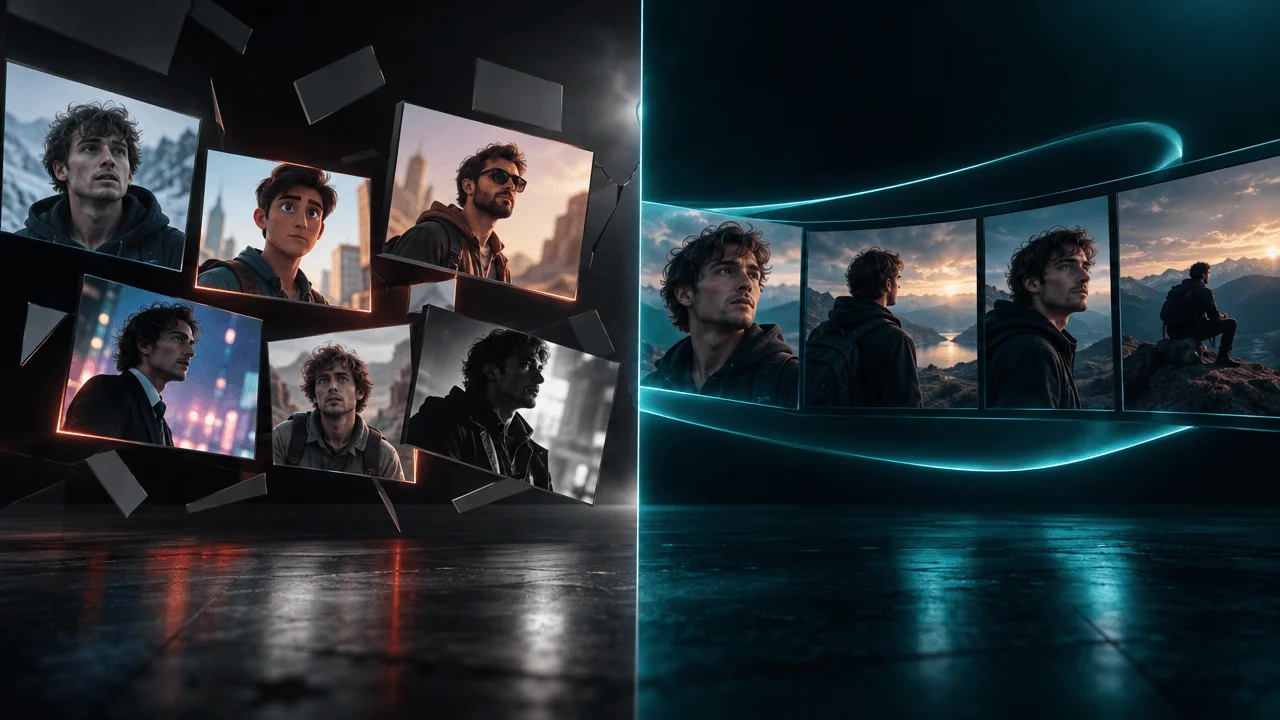
Every episode has the same cinematic atmosphere. The characters look familiar. The environments feel like they belong to the same world. The colors, lighting, and composition create a consistent experience.
Now imagine producing the next episode.
The main character suddenly has a different face. The lighting changes. The visual style becomes more realistic. The environments no longer resemble the previous episode.
The problem isn't necessarily image quality.
It's continuity.
This is one of the biggest challenges when using AI to produce recurring YouTube content.
Generating one impressive image is relatively straightforward. Producing 30, 50, or 100 visually coherent scenes across multiple episodes is considerably harder.
The solution is not simply finding the AI image generator with the most impressive outputs.
You need tools that help preserve characters, visual references, environments, and creative direction across generations.
In this guide, we'll compare the best AI tools for creating YouTube series with consistent visual styles, explain what each platform actually offers, and show how to build a repeatable production workflow.
What Is the Best AI Tool for Maintaining a Consistent YouTube Visual Style?
There is no single best tool for every production workflow.
Different platforms solve different parts of the consistency problem.
| Tool | Best for | Main capability |
|---|---|---|
| Midjourney | Recognizable artistic styles | Style References and visual references |
| Runway | Consistent characters and environments | Gen-4 References |
| Leonardo AI | Character and image references | Image Guidance and reference controls |
| OpenArt | Reusable AI characters | Character creation and image workflows |
| Higgsfield | Character-driven AI content | Reusable character and visual workflows |
| OverseerOS | Complete YouTube video production | Character Lock, visual references, and integrated editing |
Our recommendation: If your priority is creating a recognizable artistic style, start by evaluating Midjourney. If you need recurring characters across different scenes, Runway is particularly interesting. If you want to produce complete YouTube videos rather than manage separate image-generation tools, consider OverseerOS Auto Edit.
Why Visual Consistency Matters for YouTube Series
A YouTube series is different from a collection of unrelated videos.
When viewers watch several episodes, they begin recognizing recurring visual elements.
These might include:
- A recurring narrator or character.
- A recognizable color palette.
- A specific illustration style.
- Consistent environments.
- Repeated visual compositions.
- A recognizable editing approach.
These elements create continuity.
For example, consider a faceless documentary channel covering historical mysteries.
Episode one introduces a recognizable illustrated detective character.
Episode two uses the same character to investigate another mystery.
Episode three brings the character into a different historical setting.
The individual stories change, but the visual identity remains recognizable.
This creates a stronger production identity than generating every episode independently.
The difference between visual quality and visual consistency
These are two separate requirements.
A tool might generate excellent images but struggle to reproduce the same character.
Another might maintain a recognizable character while offering less flexibility in artistic direction.
A third might preserve the overall visual style but struggle with complex environments.
When evaluating AI tools, distinguish between:
Style consistency: Maintaining the same artistic appearance, colors, textures, and lighting.
Character consistency: Keeping the same recognizable character across different images and scenes.
Environment consistency: Maintaining recognizable locations and surroundings.
Production consistency: Reproducing the same overall visual experience across multiple finished videos.
The best workflow considers all four.
1. Midjourney: Best for Consistent Artistic Styles
Best for: Documentary illustrations, cinematic storytelling, stylized faceless channels, and visually distinctive series.
Website: https://www.midjourney.com/
Midjourney is one of the strongest options to evaluate when artistic direction is the priority.
Its Style Reference feature allows creators to provide a reference image and apply its visual characteristics to new generations.
This can help maintain:
- Color palettes.
- Lighting.
- Textures.
- Artistic medium.
- Overall visual atmosphere.
Midjourney also offers character and image-reference capabilities.
Its newer reference workflows provide additional ways to maintain visual identity while changing the subject, environment, or composition.
Why YouTube creators should consider it
Imagine producing a series of illustrated business documentaries.
You establish a distinctive cinematic illustration style in the first episode.
You can reuse the style reference when generating new images for later episodes.
This creates a more coherent visual direction than repeatedly describing the desired appearance from scratch.
Limitations
Style consistency is not the same as character consistency.
A style reference can preserve the general aesthetic without guaranteeing that a person looks identical in every image.
Complex storytelling may require additional character references, careful prompting, and manual selection.
Verdict: Excellent for creators who want a distinctive visual identity across a recurring series.
Official documentation:
- https://docs.midjourney.com/hc/en-us/articles/32180011136653-Style-Reference
- https://docs.midjourney.com/hc/en-us/articles/41308374558221-Style-Creator
2. Runway: Best for Consistent Characters Across Scenes
Best for: Documentary storytelling, recurring characters, branded content, and AI-assisted video production.
Website: https://runwayml.com/
Runway takes consistency beyond simply matching an artistic style.
Its Gen-4 References workflow allows creators to use reference images to generate new images with consistent characters, objects, and environments.
This is particularly valuable for narrative content.
Instead of repeatedly describing a character from scratch, creators can save and reuse references.
Runway's documentation explains that Gen-4 References supports up to three references in a generation.
It can help preserve character identity across different locations, lighting conditions, and visual treatments.
Why YouTube creators should consider it
Imagine producing a 12-episode animated documentary series.
The same protagonist appears in every episode.
Each episode introduces different environments, actions, and camera angles.
Using references gives the creator a way to preserve the recognizable character while changing the surrounding scene.
Runway also supports reference workflows for consistent environments and B-roll.
Limitations
Reference-based generation still requires iteration.
Complex scenes, unusual angles, and substantial character transformations can produce inconsistencies.
Runway is also a separate production environment. You still need to manage how generated assets enter your final YouTube editing workflow.
Verdict: One of the strongest choices for creators who need recurring characters and coherent environments across multiple scenes.
Official documentation:
- https://help.runwayml.com/hc/en-us/articles/40042718905875-Creating-with-Gen-4-Image-References
- https://runway.com/research/introducing-runway-gen-4
3. Leonardo AI: Best for Image Guidance and Creative Control
Best for: Illustrated series, stylized characters, concept art, and creators who want multiple reference controls.
Website: https://leonardo.ai/
Leonardo AI offers image-generation and editing capabilities with several types of reference guidance.
Its Image Guidance functionality includes:
- Style Reference.
- Content Reference.
- Character Reference.
- Pose.
- Depth.
- Edge guidance.
- Sketch guidance.
This provides creators with more control over how reference images influence new generations.
Why YouTube creators should consider it
Imagine producing a recurring illustrated series.
You want every episode to use the same artistic direction, but you also need characters to perform different actions.
Leonardo's reference controls can help establish a visual starting point and guide new generations.
Its multiple reference-image capabilities are useful when a single image does not communicate enough about the desired appearance.
Limitations
More controls do not automatically mean better results.
Creators need to understand which references should influence style, character appearance, composition, or structure.
Using too many conflicting references can make the generation process less predictable.
Verdict: A strong option for creators who want more granular control over image generation and reference guidance.
Official documentation: https://intercom.help/leonardo-ai/en/articles/8497988-image-guidance
4. OpenArt: Best for Building Reusable AI Characters
Best for: Character-driven series, illustrated storytelling, and creators who need a reusable character workflow.
Website: https://openart.ai/
OpenArt is worth evaluating for creators building recurring characters and visual assets.
Its character-oriented workflows help creators establish reusable identities rather than generating every character independently.
This is particularly relevant for:
- Animated educational content.
- Recurring documentary characters.
- Storytelling channels.
- Illustrated series.
- AI-generated character-led content.
Why YouTube creators should consider it
A recurring character requires more than one good portrait.
You need to generate different expressions, poses, clothing, and environments while preserving the recognizable identity.
A reusable character workflow helps make that process more structured.
Limitations
Character consistency does not automatically solve complete video production.
Creators may still need separate tools for animation, voiceovers, scene timing, editing, and exports.
Evaluate how the character workflow connects to the rest of your production stack.
Verdict: Worth considering when recurring characters are central to your channel's visual identity.
5. Higgsfield: Best for Character-Driven AI Visual Production
Best for: AI-driven storytelling, recurring virtual personalities, and visually distinctive video content.
Website: https://higgsfield.ai/
Higgsfield is another platform worth evaluating when character identity and visual direction are important.
Its AI creative ecosystem includes workflows for character-driven content and image-to-video production.
For creators producing recurring series, reusable character identities can reduce the need to reconstruct the same subject for every new generation.
Why YouTube creators should consider it
Consider a channel built around a recognizable AI-generated host or virtual personality.
That character needs to appear in different environments and visual situations.
A character-oriented workflow can help maintain the identity while changing the scene.
Limitations
Do not confuse creating a consistent character with producing a complete YouTube episode.
A creator still needs to manage narration, story structure, scene sequencing, editing, and final exports.
Check the specific model and feature capabilities available on the plan you intend to purchase.
Verdict: Worth testing for creators whose series depends on recurring AI-generated personalities and visual storytelling.
6. OverseerOS: Best for Producing Complete YouTube Videos With a Consistent Visual Direction
Best for: Faceless YouTube operators, documentary channels, and creators producing recurring video formats.
Website: https://www.overseeros.com/
The biggest problem with using separate AI image tools is that generating consistent images is only one part of producing a finished YouTube video.
You still need to:
- Develop the idea.
- Write the script.
- Generate narration.
- Create visual scenes.
- Maintain character identity.
- Edit the video.
- Add movement and music.
- Export the finished video.
When every stage happens in a different application, the production process becomes fragmented.
OverseerOS Auto Edit approaches this from the complete YouTube production workflow.
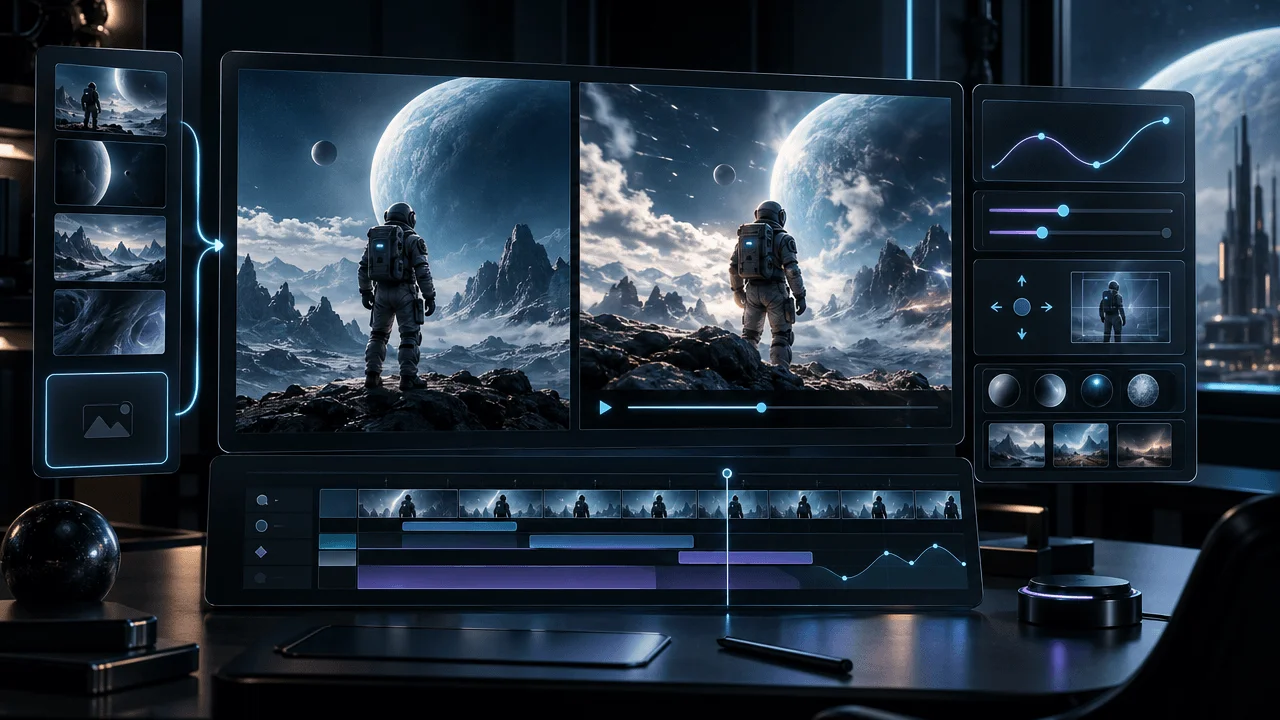
Rather than being only an image generator, it connects narration, scene generation, visual editing, and video export.
Relevant capabilities
Character Lock
Helps maintain the visual identity of recurring characters across relevant scenes.
This is particularly useful for storytelling formats where the same person or character appears multiple times.
Visual References
Provides a way to guide the appearance of generated scenes using visual references.
This helps establish a more deliberate creative direction.
27 Visual Styles
OverseerOS offers multiple visual style presets, allowing creators to establish the overall appearance of their videos.
Camera Movement Presets
Five camera speed presets provide different approaches to movement:
- Slow Cinematic.
- Gentle.
- Standard.
- Dynamic.
- Hyper.
Scene-Level Editing
Creators can work with individual scenes rather than treating the entire generated video as an unchangeable output.
This makes it easier to correct weak scenes while preserving the rest of the production.
Why agencies and channel operators should consider it
Imagine producing four episodes per month for a documentary channel.
You want the same visual direction, recurring characters, and consistent production process.
Instead of manually moving every generated asset between separate applications, you can use an integrated YouTube production workflow.
The objective is to reduce production fragmentation while keeping control over the finished video.
Limitations
OverseerOS should not be confused with a specialized image-generation research environment.
Creators who need extensive custom image-model controls may still benefit from a dedicated image-generation platform.
Its advantage is connecting the visual workflow to complete YouTube video production.
Pricing
OverseerOS Auto Edit plans:
| Plan | Monthly price | Credits |
|---|---|---|
| Auto Edit | $99 | 2,000 |
| Plus | $189 | 4,000 |
| Max | $399 | 9,000 |
These are credit-based production plans, not unlimited image-generation subscriptions.
Actual production capacity depends on the operations used.
Current plans: https://www.overseeros.com/auto-edit-plans
Verdict: Particularly relevant for creators who want consistent visual direction as part of a complete YouTube production workflow.
How to Choose the Right AI Tool for Your YouTube Series
The best tool depends on what you are trying to keep consistent.
| Your main requirement | Tool to evaluate |
|---|---|
| Consistent artistic style | Midjourney |
| Same characters across scenes | Runway |
| Multiple image-reference controls | Leonardo AI |
| Reusable character creation | OpenArt |
| Character-driven visual content | Higgsfield |
| Complete YouTube production workflow | OverseerOS |
A common mistake is choosing a tool based on its most impressive demonstration rather than the actual production problem.
Before purchasing, decide whether you need:
- The same artistic style.
- The same character.
- The same environment.
- The same overall video format.
- A complete production workflow.
These are related but different requirements.
How to Create an Entire YouTube Series With One Consistent Visual Style
Choosing a tool is only the first step.
You also need a repeatable process.
Here is a workflow that works across most reference-based AI generation platforms.
Step 1: Create a Visual Bible
Before generating an episode, document the visual identity of the series.
Include:
Art direction
- Illustration or photography style.
- Color palette.
- Lighting.
- Texture.
- Level of realism.
- Camera language.
Character identity
- Appearance.
- Clothing.
- Distinctive features.
- Age and proportions.
- Recognizable accessories.
Environment
- Architecture.
- Background characteristics.
- Recurring locations.
- Environmental lighting.
Composition
- Framing.
- Camera angles.
- Subject placement.
- Visual hierarchy.
This becomes the reference for future episodes.
Step 2: Generate and Approve Reference Images
Do not begin producing an entire episode before establishing the look.
Generate a small set of reference images.
Include:
- Main characters.
- Important environments.
- Representative scenes.
- The intended artistic style.
Review them and approve the strongest versions.
These become your reusable visual references.
Step 3: Save Character References Separately
For every recurring character, create a small reference library.
Ideally, include:
- Front-facing portrait.
- Three-quarter view.
- Side profile.
- Full-body reference.
- Distinctive clothing and accessories.
This gives the generation system more information than a single vague description.
Step 4: Plan the Visual Sequence Before Generation
Break the script into visual moments.
For each scene, identify:
- What is happening?
- Which character appears?
- Which environment is needed?
- What should the viewer see?
- Which visual references apply?
This helps prevent scenes from being generated independently without regard for the overall story.
Step 5: Generate Scenes Using the Approved References
Use the appropriate character and style references.
Keep the creative direction stable while allowing the composition, camera angle, action, and environment to change.
The goal is continuity without making every image look identical.
Step 6: Review the Complete Episode
Do not evaluate images only in isolation.
Place them in chronological order.
Look for:
- Character identity drift.
- Sudden changes in visual style.
- Inconsistent lighting.
- Unrelated environments.
- Repeated compositions.
- Scenes that do not match the narration.
Correct the problematic scenes before exporting.
Step 7: Reuse the Visual System in Future Episodes
The real benefit appears when producing episode two, three, and ten.
Instead of starting from scratch, reuse the approved visual references and production rules.
This makes the series easier to maintain as it grows.
How to Test AI Character and Style Consistency Before Paying
Never purchase a subscription based exclusively on a promotional demonstration.
Run a small controlled test.
Use the same character description and visual reference across the tools you are considering.
Generate these five scenes:
| Test | What to evaluate |
|---|---|
| Character portrait | Facial identity |
| Character in a different location | Identity preservation |
| Character from a different camera angle | Appearance consistency |
| Character performing a new action | Flexibility |
| Character in a different lighting condition | Robustness |
Then evaluate the artistic style separately.
Does the tool preserve the same:
- Color palette?
- Lighting?
- Texture?
- Visual medium?
- Overall atmosphere?
Finally, create a short video sequence using the generated images.
An image generator that produces beautiful individual images might still be difficult to use for a complete recurring production.
Test the workflow, not just the outputs.
Frequently Asked Questions
What is the best AI tool for consistent characters across YouTube videos?
Runway is a strong option because its Gen-4 References workflow supports consistent characters, objects, and environments across generated scenes. Leonardo AI, OpenArt, and other reference-based platforms are also worth evaluating depending on your workflow.
How do I maintain the same character across multiple AI-generated images?
Create an approved character reference, save it, and reuse it during subsequent generations. Provide clear descriptions of the character's distinctive features and avoid changing several identity elements simultaneously.
Can Midjourney maintain the same visual style across multiple images?
Yes. Midjourney's Style Reference feature allows creators to reuse the aesthetic characteristics of a reference image across new generations. However, style consistency does not guarantee exact character identity.
What is the difference between style reference and character reference?
A style reference guides the artistic appearance of an image, such as colors, lighting, textures, and medium. A character reference guides the identity and appearance of a recurring subject.
Can AI tools maintain the same characters in different environments?
Yes. Reference-based generation tools such as Runway Gen-4 References are designed to preserve character identity while generating different locations, lighting conditions, and compositions. Results still require review and iteration.
Can I create a YouTube series entirely with AI?
Yes. AI tools can assist with research, scripting, narration, image generation, animation, editing, and video production. However, human review remains important for factual accuracy, storytelling quality, visual consistency, and final approval.
Why do AI characters look different in every scene?
Generative models interpret prompts probabilistically. Without reference images or other identity controls, small differences in wording, composition, lighting, and generation can produce noticeably different characters.
Does character consistency mean every image should look identical?
No. Consistency means preserving recognizable identity and visual direction while allowing appropriate changes in actions, expressions, environments, and composition.
Can AI-generated YouTube videos maintain a consistent brand identity?
Yes. A reusable visual bible, approved style references, character libraries, and consistent production settings can help establish a recognizable appearance across multiple episodes.
What is the best workflow for producing a consistent AI documentary series?
Start with a visual bible, approve character and environment references, plan scenes around the narration, reuse references during generation, and review the complete episode before exporting.
Is OverseerOS an AI image generator?
OverseerOS is a YouTube-focused AI production platform rather than a standalone image-generation research tool. Its Auto Edit workflow connects narration, scene generation, visual references, Character Lock, editing controls, and final video exports.
Final Verdict: Build a Visual Identity, Not Just a Collection of AI Images
The strongest YouTube series do not look like unrelated videos uploaded to the same channel.
They have a recognizable visual identity.
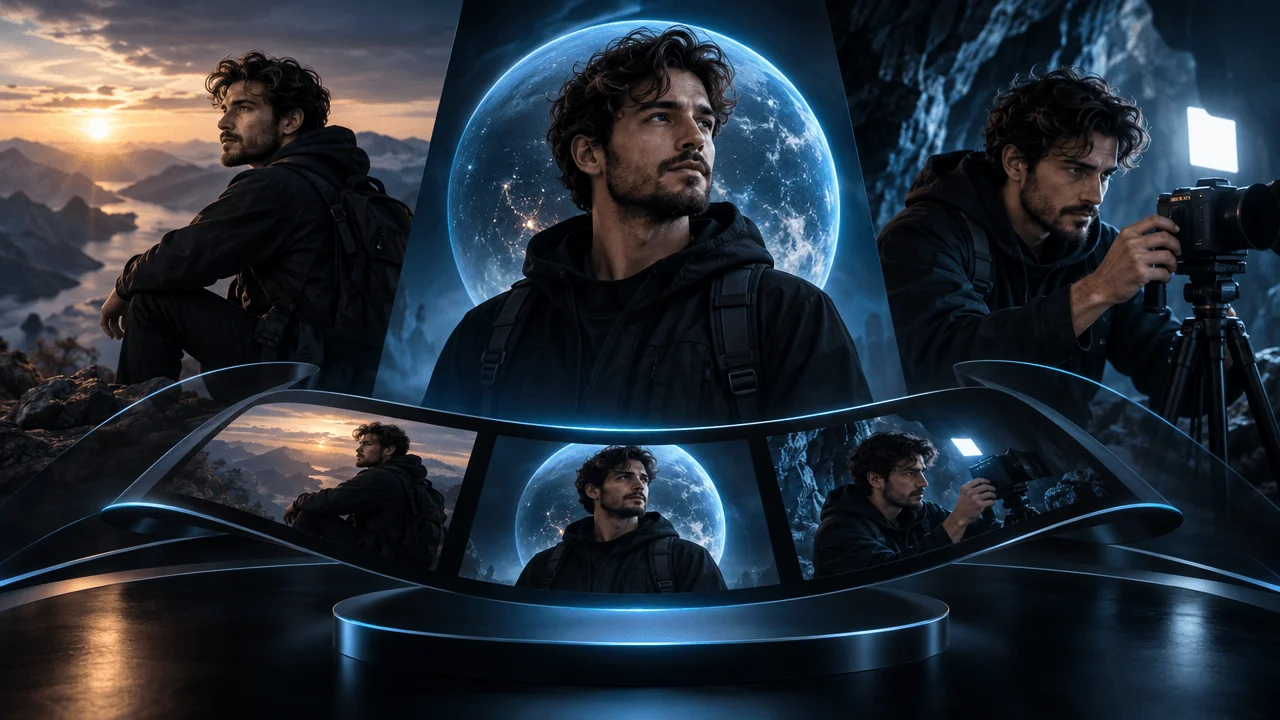
The characters feel familiar. The environments belong to the same world. The artistic direction remains recognizable even as the stories change.
AI makes this possible at a much larger production scale, but only when the workflow is designed around consistency.
Midjourney is an excellent starting point for artistic direction.
Runway is particularly interesting for character and environment references.
Leonardo offers extensive image guidance.
OpenArt and Higgsfield are worth evaluating for reusable character workflows.
OverseerOS connects visual references and character controls to a broader YouTube production workflow.
The right choice depends on what you need to create.
Don't choose an AI tool because it can generate one beautiful image. Choose it because it can help you produce your next 20 videos without losing the identity that made the first one recognizable.
Explore OverseerOS Auto Edit to build a more consistent and repeatable YouTube video-production workflow.
Sources and Research Methodology
This comparison is based on official product documentation and publicly available feature information. It is not a controlled benchmark of every platform.
- Midjourney Style Reference, how visual references influence artistic style.
- Midjourney Style Creator, reusable style reference codes.
- Runway Gen-4 Image References, character, object, and environment consistency.
- Runway Gen-4 Research, world consistency and reference-based generation.
- Leonardo AI Image Guidance, style, content, and character references.
- Runway: How to Create Consistent AI Characters, practical character-reference workflows.
Methodology note: Product capabilities are not interchangeable. Style references, character references, and complete video-production workflows solve different problems. Verify current plan access, generation allowances, commercial rights, and export limitations before purchasing.