Most creators do not have a publishing problem.
They have a learning problem.
They upload a video, check the views, feel happy or disappointed, make a few emotional guesses, then move on to the next upload with almost no useful lesson saved.
That is why channels stay stuck.
A video that underperforms is not just a failure. It is data.
A video that performs well is not just a win. It is a clue.
Every upload is trying to tell you something about your audience, your packaging, your hook, your topic, your format, your pacing, your trust, and your channel position.
Most creators never listen.
They look at the obvious number: views.
But views alone do not tell you why a video worked or failed. A video can underperform because the topic was weak, the title was unclear, the thumbnail was too generic, the hook delayed the promise, the script slowed down, the format did not fit the audience, or the traffic source changed.
A serious YouTube creator needs a feedback loop.
A YouTube feedback loop is the system you use after publishing to turn performance signals into better decisions for the next video.
This is how creators stop guessing. This is how channels compound. This is how small teams become smarter than bigger teams. This is how faceless creators avoid publishing into the dark. This is how AI-assisted creators stay strategic instead of just producing more.
The future of YouTube growth belongs to creators who learn faster from every upload.
Key Takeaways
- A YouTube feedback loop is a repeatable system for turning each published video into better future topics, titles, thumbnails, hooks, scripts, and formats.
- Most creators react emotionally to views instead of diagnosing the real cause of performance.
- The strongest channels separate packaging problems, topic problems, hook problems, retention problems, audience problems, and format problems.
- Views are an outcome, not a diagnosis.
- A strong feedback loop looks at impressions, click-through rate, watch time, audience retention, traffic sources, returning viewers, comments, subscriber conversion, and production effort.
- Faceless creators need feedback loops because they often manage teams and cannot afford to keep producing weak formats.
- AI-assisted creators need feedback loops because AI can help make more content, but only feedback tells you what should be made again.
- OverseerOS helps creators build a smarter feedback workflow by connecting competitor research, video analysis, content planning, script improvement, thumbnails, and topic systems.
What Is a YouTube Feedback Loop?
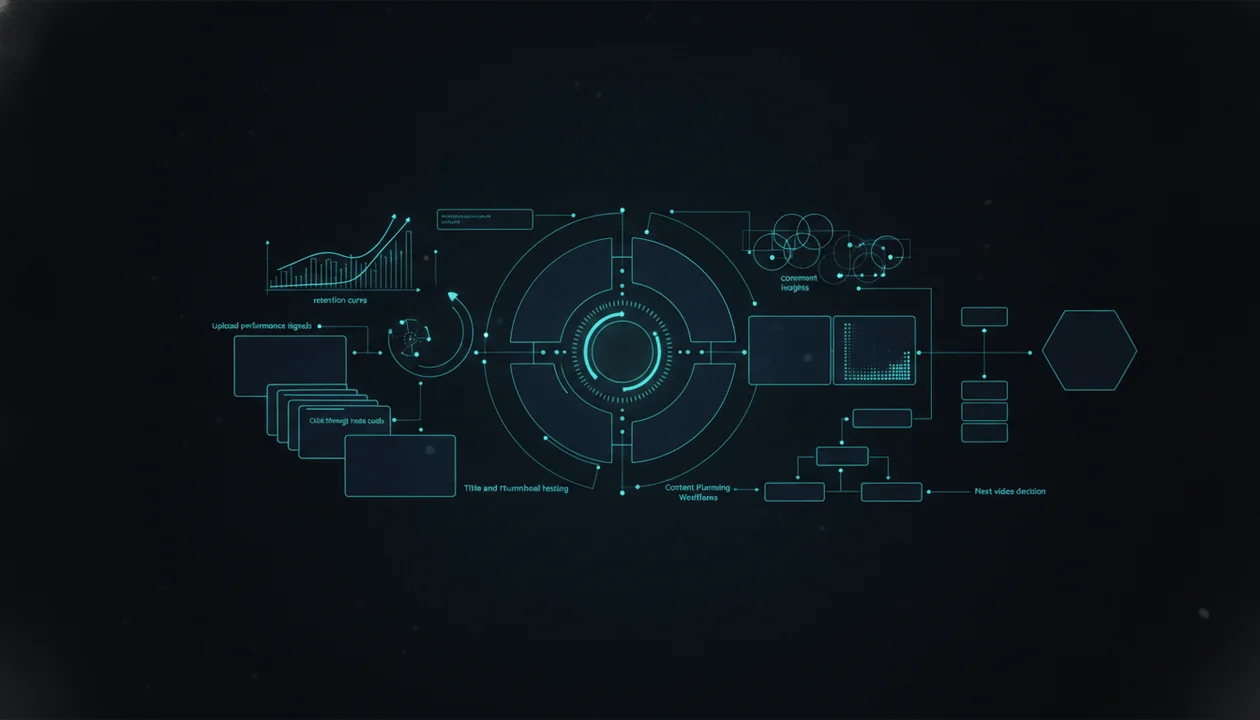
A YouTube feedback loop is the process of learning from every upload and using that learning to improve the next upload.
It has five steps:
- Publish the video.
- Measure the right signals.
- Diagnose what likely happened.
- Save the lesson.
- Apply the lesson to the next video.
Most creators only do the first two.
They publish. They check views. Then they guess.
A real feedback loop is different.
It turns this:
This video flopped. The algorithm hated it.
Into this:
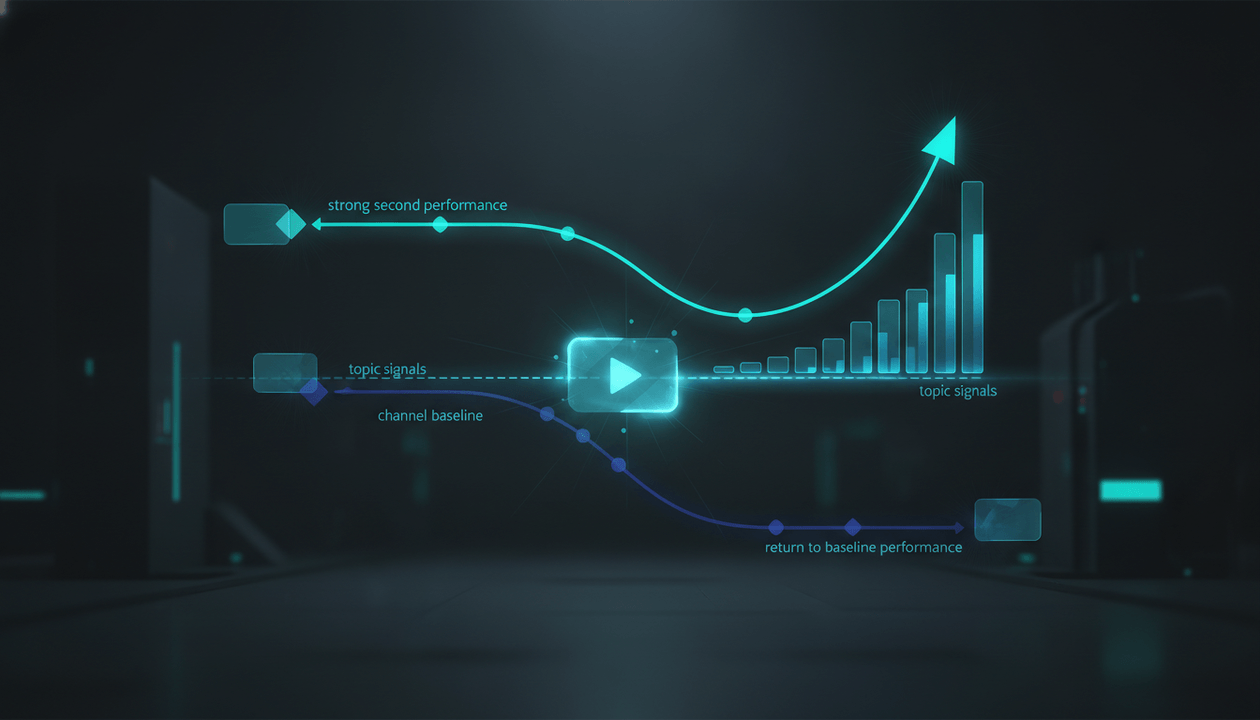
The video got normal impressions but low click-through rate, which suggests the topic may have had distribution but the packaging did not create enough curiosity. The intro retention was strong once people clicked, so the title and thumbnail need the next test, not the script format.
That is a useful lesson.
Or this:
This video got views. Let’s make more like it.
Into this:
This video worked because the format created proof, the title promised a specific test, the thumbnail showed a clear before-and-after, and the comments asked for more workflow breakdowns. We should test this format with three related topics.
That is channel intelligence.
Why Views Are Not Enough
Views are the final visible result of many hidden inputs.
A low-view video does not automatically mean the video was bad.
A high-view video does not automatically mean the video was good.
Views can be affected by:
- Topic demand
- Thumbnail clarity
- Title strength
- Audience size
- Timing
- Competition
- Traffic source
- Suggested video placement
- Search demand
- External shares
- Returning viewers
- Hook strength
- Retention
- Video length
- Channel momentum
- Trend timing
- Upload history
If you only look at views, you can learn the wrong lesson.
Example:
A video gets low views.
Weak conclusion:
The audience does not care about this topic.
Better diagnosis:
The topic may be fine, but the thumbnail did not make the promise visual enough.
Another example:
A video gets high views.
Weak conclusion:
We should make more videos about this topic.
Better diagnosis:
The real pattern may not be the topic. It may be the format: a real test with a strong result-based title.
The feedback loop protects you from lazy conclusions.
The 7 Signals Every Creator Should Review
A strong post-publish review should separate the signals.
Each metric answers a different question.
| Signal | What It Helps Diagnose |
|---|---|
| Impressions | Did YouTube show the video to people? |
| Click-through rate | Did the title and thumbnail earn the click? |
| Watch time | Did the video create enough total viewing value? |
| Audience retention | Where did viewers stay or leave? |
| Traffic sources | Where did the views come from? |
| Returning viewers | Did the video strengthen the relationship with the audience? |
| Comments | What did viewers feel, ask, praise, misunderstand, or request? |
YouTube Studio gives creators analytics across areas such as views, watch time, impressions, traffic sources, and audience behavior. Source: YouTube Help
The important thing is not to stare at every number.
The important thing is to connect each signal to a creative decision.
Metrics should not replace judgment.
Metrics should guide judgment.
Signal 1: Impressions
Impressions answer:
Did the video get shown?
A video cannot get clicks if people never see it.
If impressions are low, the problem may be:
- Weak topic demand
- Weak channel-audience fit
- Weak history in that content lane
- Bad timing
- Low initial viewer response
- A topic too far from the channel identity
- Competition from stronger videos
- A format YouTube has not learned to place yet
But low impressions do not always mean the idea is dead.
Sometimes YouTube needs stronger early signals. Sometimes the title and thumbnail do not attract the first audience segment. Sometimes the topic is valuable but too niche.
Ask:
- Was this topic close to what the audience expects from the channel?
- Did similar videos on other channels get strong demand?
- Was the title understandable?
- Did the thumbnail communicate the idea quickly?
- Was the video too far from recent uploads?
- Did the upload compete with major news or events?
- Is this a search topic that may grow slowly?
A low-impression video needs diagnosis before panic.
Signal 2: Click-Through Rate
Click-through rate answers:
When people saw the video, did they choose it?
A low click-through rate often points to packaging.
That can mean:
- The title is too vague.
- The thumbnail is too crowded.
- The promise is unclear.
- The emotional trigger is weak.
- The video looks too similar to competitors.
- The topic is not framed sharply.
- The viewer cannot tell what they will get.
- The title and thumbnail do not work together.
Weak title:
How to Grow on YouTube
Stronger title:
Why Your YouTube Videos Get Views Once and Then Die
Weak title:
AI Tools for Creators
Stronger title:
I Tested 7 AI Tools in One YouTube Workflow. Only 2 Saved Time.
Weak title:
Content Strategy Tips
Stronger title:
The Feedback Loop That Makes Every Upload Smarter
Packaging is not decoration.
Packaging is the first test of the idea.
YouTube expanded title testing to more creators with advanced features, letting creators test up to three titles or title-thumbnail combinations on eligible videos and compare performance by watch time. Source: The Verge
That is a big signal for creators.
YouTube is giving creators more ways to test packaging because packaging decisions matter.
Signal 3: Watch Time
Watch time answers:
Did the video create enough total viewing value?
A video can have strong click-through but weak watch time.
That usually means the packaging worked, but the video did not deliver strongly enough.
Possible causes:
- The hook did not match the title.
- The intro was too slow.
- The script repeated points.
- The video was too long for the payoff.
- The content lacked examples.
- The format did not create progression.
- The viewer got the answer too early.
- The editing did not support the story.
- The topic was interesting but shallow.
Watch time is where the click promise gets judged.
If your title says:
I Studied 100 Viral YouTube Titles. One Pattern Kept Showing Up.
The video must actually study examples and reveal a useful pattern.
If it turns into generic title advice, the viewer leaves.
Signal 4: Audience Retention
Audience retention answers:
Where did viewers lose interest?
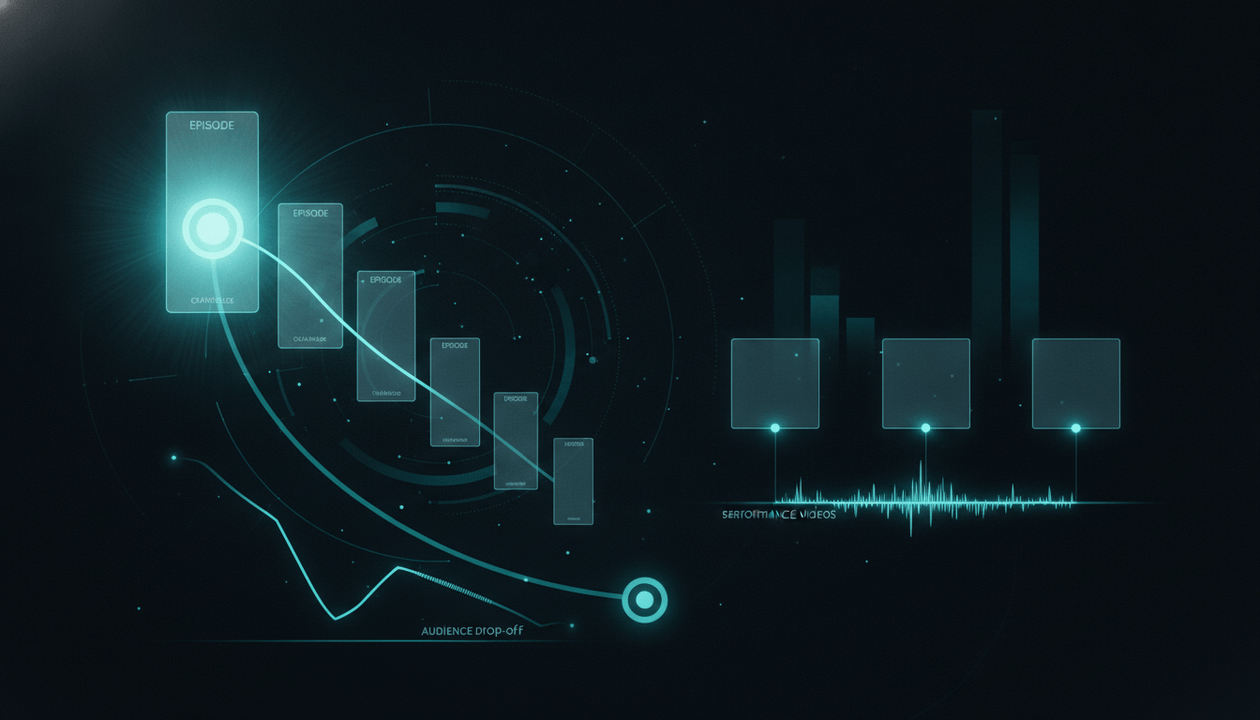
This is one of the most useful creative signals because it shows where the video failed to hold attention.
Look for:
- Early drop in the first 30 seconds
- Drop after intro
- Drop during context
- Drop during repetitive explanation
- Drop when visuals become weak
- Drop when examples are missing
- Drop before the payoff
- Spikes where viewers rewatch
- Sections with stronger-than-normal retention
Different drops mean different things.
Early Drop
Likely issue:
- Hook mismatch
- Slow intro
- Overpromised packaging
- Too much setup
- Weak first sentence
Fix:
- Start closer to the tension.
- Confirm the title promise immediately.
- Remove generic intro lines.
- Give proof earlier.
Mid-Video Drop
Likely issue:
- Pacing problem
- Repetition
- Weak section order
- Too much theory
- Not enough examples
Fix:
- Add pattern interrupts.
- Move examples earlier.
- Cut repeated points.
- Add stronger transitions.
Late Drop
Likely issue:
- Payoff delayed too long
- Viewer already got the answer
- Ending became generic
- CTA interrupted the conclusion
Fix:
- Build clearer progression.
- Save a stronger final insight.
- Keep the CTA short.
- Make the ending feel earned.
Retention is not just a metric.
It is the viewer’s silent feedback.
Signal 5: Traffic Sources
Traffic sources answer:
Where did the audience come from?
This matters because the same video can behave differently depending on where viewers find it.
Common sources include:
- Browse features
- Suggested videos
- YouTube Search
- Shorts feed
- External links
- Channel pages
- Notifications
- Playlists
A search-driven video may grow slowly but stay useful for months.
A browse-driven video may spike quickly and fade.
A suggested-video winner may depend heavily on being connected to another video.
A returning-viewer video may build loyalty even if it does not explode.
Do not judge every video by the same pattern.
Ask:
- Was this meant to be search-driven or browse-driven?
- Did the traffic source match the video’s purpose?
- Did the title target curiosity, search, or both?
- Did suggested traffic reveal a content cluster?
- Did external traffic distort performance?
- Did returning viewers respond better than new viewers?
Traffic source analysis helps you understand what type of asset you created.
Not every video has the same job.
Signal 6: Returning Viewers
Returning viewers answer:
Did this video strengthen the relationship with the audience?
This is where many creators make a mistake.
They chase only new viewers.
But a strong channel needs both:
- Videos that bring in new viewers
- Videos that deepen trust with returning viewers
A video can be strategically valuable even if it does not explode, if it makes the existing audience more loyal.
Ask:
- Did returning viewers watch longer?
- Did comments come from familiar viewers?
- Did the video fit the channel promise?
- Did it lead naturally to another video?
- Did it strengthen a series or format?
- Did it make the channel feel more valuable?
If a video brings new viewers but alienates returning viewers, be careful.
Growth without identity can make a channel unstable.
Signal 7: Comments
Comments answer:
What did viewers think in their own language?
Comments are not just engagement.
They are research.
Look for:
- Repeated questions
- Confusion points
- Objections
- Praise
- Disappointment
- Requests for part two
- Viewer stories
- Phrases viewers use naturally
- Unexpected interpretations
- What viewers say they want next
A single comment can reveal the next video.
Example comment:
I get why AI scripts are bad, but I still don’t know how to make mine sound human.
That can become:
How to Rewrite AI YouTube Scripts So They Sound Human
Example comment:
Can you show this with a real channel example?
That can become:
I Audited a Faceless Channel Using This Framework
Example comment:
The thumbnail got me, but the intro took too long.
That tells you the packaging worked but the hook needs tightening.
Do not ignore comments because they are messy.
Messy language is where audience truth lives.
The YouTube Feedback Loop Framework
Use this five-part framework after every upload.
1. Outcome
What happened?
Record:
- Views
- Impressions
- Click-through rate
- Watch time
- Average view duration
- Retention curve
- Traffic sources
- New vs returning viewers
- Subscribers gained
- Comments
- Production cost or time
This is the raw data.
2. Diagnosis
Why did it likely happen?
Do not make one lazy conclusion.
Separate the possibilities:
- Topic issue
- Packaging issue
- Hook issue
- Structure issue
- Format issue
- Audience fit issue
- Timing issue
- Production issue
- Trust issue
The diagnosis should be specific.
Bad diagnosis:
The video failed because the algorithm did not push it.
Better diagnosis:
The video got enough impressions to test, but click-through was lower than our recent average. Retention among viewers who clicked was solid, so the next test should improve packaging rather than abandon the topic.
3. Lesson
What did we learn?
A lesson should be short and reusable.
Examples:
- “Our audience responds better to proof-based titles than broad educational titles.”
- “Tool list videos need real testing or they feel generic.”
- “The first 20 seconds must show the example earlier.”
- “Format breakdowns work better when the thumbnail shows a concrete object.”
- “Returning viewers like strategic frameworks more than trend recaps.”
If the lesson cannot help the next video, it is not a lesson yet.
4. Action
What should we change next?
Examples:
- Test a clearer thumbnail structure.
- Rewrite hooks to confirm the title promise faster.
- Turn this format into a three-video series.
- Stop using broad titles in this niche.
- Add more real examples before theory.
- Build follow-up videos from comment questions.
- Use shorter intros for search-driven videos.
The feedback loop only matters if it changes behavior.
5. Memory
Where do we save the learning?
This is where most creators fail.
They analyze the video once, then forget the lesson.
Save the lesson in:
- Content planner
- Channel strategy doc
- Format library
- Title pattern database
- Thumbnail notes
- Script checklist
- Team SOP
- Next video brief
The value of a feedback loop is compounding memory.
If the channel forgets every lesson, it never gets smarter.
The Post-Publish Review Template
Use this after every serious upload.
Video Title:
[Title]

Video Format:
[Breakdown, tutorial, test, documentary, case study, warning, etc.]

Original Hypothesis:
[Why did we think this video would work?]

Target Viewer:
[Who was this made for?]

Packaging Promise:
[What did the title and thumbnail promise?]

Outcome:
- Views:
- Impressions:
- Click-through rate:
- Watch time:
- Average view duration:
- Retention notes:
- Traffic sources:
- Subscribers gained:
- Comments summary:

What Worked:
[What signal was strong?]

What Failed:
[What signal was weak?]

Likely Diagnosis:
[Topic, packaging, hook, structure, format, timing, audience fit, or production issue]

Viewer Language:
[Useful phrases, questions, objections, or requests from comments]

Lesson:
[One reusable lesson]

Next Action:
[What we will test or change next]

Follow-Up Ideas:
[3 to 5 video ideas based on this upload]

Save to:
[Format library, title library, thumbnail library, planner, SOP, etc.]
This turns uploads into assets.
Without this, you are just publishing and hoping.
Diagnosing Common YouTube Performance Patterns
Here is how to read common performance combinations.
Pattern 1: Low Impressions + Low Click-Through
Likely problem:
- Weak topic-market fit
- Weak packaging
- Channel-audience mismatch
- Not enough demand
What to do:
- Study competitor outliers.
- Reframe the title.
- Simplify the thumbnail.
- Check whether the topic fits your channel.
- Do not repeat until you understand the demand.
Pattern 2: High Impressions + Low Click-Through
Likely problem:
- YouTube found an audience, but packaging did not earn the click.
What to do:
- Test title and thumbnail.
- Increase specificity.
- Add stronger curiosity.
- Make the visual promise clearer.
- Study thumbnails around competing videos.
Pattern 3: High Click-Through + Weak Retention
Likely problem:
- Packaging worked, but the video did not deliver.
What to do:
- Fix the hook.
- Cut slow setup.
- Add proof earlier.
- Match the intro to the title.
- Improve structure.
Pattern 4: Strong Retention + Low Click-Through
Likely problem:
- The video is good for people who click, but not enough people understand why they should click.
What to do:
- Do not abandon the video idea.
- Improve packaging.
- Create a stronger title promise.
- Use a more visual thumbnail concept.
- Consider reusing the topic with better framing.
Pattern 5: Good Views + Weak Subscribers
Likely problem:
- The video attracted viewers, but did not strengthen channel identity.
What to do:
- Make the channel promise clearer.
- Connect the video to a series.
- Improve the ending.
- Show why the viewer should watch more from you.
- Avoid one-off viral topics that do not fit the channel.
Pattern 6: Strong Comments + Average Views
Likely problem:
- The video served the core audience but may not have broad packaging or topic reach.
What to do:
- Use comments for follow-ups.
- Turn the topic into a series.
- Create a more accessible version.
- Keep the format if trust is high.
Pattern 7: Strong Search Traffic + Slow Growth
Likely meaning:
- The video may be evergreen and useful over time.
What to do:
- Improve metadata.
- Build related articles or videos.
- Add internal links from other content.
- Create follow-up videos targeting adjacent questions.
The 3 Types of YouTube Lessons
Not every lesson is the same.
A good feedback loop separates lessons into three categories.
1. Packaging Lessons
These improve titles and thumbnails.
Examples:
- Our audience clicks stronger on “I tested” than “best tools.”
- Dark, simple thumbnails outperform crowded screenshots.
- Titles with a clear mistake perform better than broad how-to titles.
- Tool names work only when paired with a clear outcome.
2. Content Lessons
These improve hooks, scripts, structure, and pacing.
Examples:
- Viewers drop when the intro explains too much context.
- Real examples should appear before frameworks.
- The first section needs stronger tension.
- Long videos need more section payoffs.
3. Strategy Lessons
These improve channel direction.
Examples:
- Our audience prefers workflow breakdowns over tool lists.
- Faceless creators respond more to operating systems than motivation.
- AI trend recaps are too shallow unless connected to creator action.
- Case studies should become a recurring series.
The strongest channels turn all three lesson types into systems.
How Faceless Creators Should Use Feedback Loops
Faceless creators need feedback loops because they often work with teams.
Without a feedback loop, the team repeats mistakes.
The writer keeps writing weak intros. The thumbnail designer keeps using crowded concepts. The editor keeps adding visuals that do not support the script. The channel manager keeps choosing topics without demand. The owner keeps guessing what happened.
A feedback loop creates shared intelligence.
For a faceless channel, review:
- Did the writer deliver the hook promise?
- Did the voiceover pacing fit the script?
- Did the editor support the retention beats?
- Did the thumbnail match the title?
- Did the title attract the correct viewer?
- Did the format fit the niche?
- Did comments reveal new topic demand?
- Did this video teach the team a repeatable lesson?
This is how faceless channels become businesses instead of content factories.
How Personal Creators Should Use Feedback Loops
Personal creators often make the opposite mistake.
They take performance personally.
A video underperforms and they think:
My audience does not like me anymore.
That is usually the wrong diagnosis.
The issue might be packaging, timing, format, topic clarity, or intro structure.
Personal creators should use feedback loops to separate emotion from evidence.
Ask:
- Did the topic fit what my audience expects from me?
- Did the title communicate the real value?
- Did the thumbnail feel like my brand?
- Did the hook get to the point fast enough?
- Did I spend too long on context?
- Did the audience respond to my opinion or the example?
- Did this video strengthen my long-term position?
A feedback loop helps personal creators improve without losing their voice.
How AI-Assisted Creators Should Use Feedback Loops
AI makes feedback loops more important, not less.
Why?
Because AI can produce more drafts, more titles, more thumbnails, and more scripts than humans can review casually.
If you do not have a feedback loop, AI increases output without increasing intelligence.
That creates more noise.
Use AI to help:
- Summarize performance notes
- Group comment themes
- Compare title patterns
- Identify retention drop explanations
- Rewrite weak hooks
- Generate follow-up ideas
- Turn lessons into checklists
- Build next video briefs
Do not use AI to replace judgment.
The question is not:
Can AI make another video?
The question is:
Based on the last upload, what should the next video do differently?
That is the human decision layer.
How OverseerOS Fits Into the YouTube Feedback Loop
OverseerOS is built for creators who want to stop guessing and build from patterns.
That matters before publishing, but it also matters after publishing.
A strong feedback loop needs connected workflows:
- What did we learn from this video?
- What competitor pattern does this confirm?
- What format should we test next?
- Which title style is working?
- Which thumbnail promise is clearer?
- Which script structure held attention better?
- Which topic should become a series?
- Which audience question deserves a follow-up?
OverseerOS helps creators build that system through:
- Viral X-Ray for studying video hooks, thumbnails, transcripts, and visible strategy.
- Channel Blueprint Cloner for understanding winning channel patterns and content structures.
- AI Content Planner for turning lessons into planned topics and production workflows.
- Script ReSpark for improving weak hooks, pacing, clarity, and script structure.
- AI YouTube Thumbnail Generator for creating packaging that matches the real viewer promise.
- Viral Channel Finder for discovering breakout channels and comparing external market patterns.
The real value is not just making content.
The real value is helping the creator build memory.
That is the difference between random uploads and a compounding YouTube operation.
The Weekly YouTube Feedback Meeting
If you run a channel with a team, do this once per week.
Keep it simple.
Agenda
1. Review last uploads:
What happened?

2. Identify strongest signal:
What worked best?

3. Identify weakest signal:
What failed or underperformed?

4. Separate the diagnosis:
Was it topic, packaging, hook, structure, format, timing, or audience fit?

5. Save one lesson per video:
What should we remember?

6. Choose one next test:
What will we change in the next upload?

7. Assign the action:
Writer, thumbnail designer, editor, strategist, or channel owner?

8. Update the content planner:
What follow-up videos should be added?
This meeting should not become a blame session.
It should become a learning system.
The goal is not to prove who was wrong.
The goal is to make the next video smarter.
The Feedback Loop Scorecard
Use this to score your channel’s learning system.
| Question | Score |
|---|---|
| Do we review every serious upload after publishing? | /5 |
| Do we separate views from diagnosis? | /5 |
| Do we identify packaging, hook, topic, and format issues separately? | /5 |
| Do we read comments for viewer language? | /5 |
| Do we save lessons in a reusable system? | /5 |
| Do we turn lessons into next video briefs? | /5 |
| Do we test formats across multiple uploads? | /5 |
| Do we compare new videos against channel history? | /5 |
| Do we avoid emotional conclusions? | /5 |
| Does the channel get smarter every month? | /5 |
Scoring Guide
| Score | Meaning | Decision |
|---|---|---|
| 42 to 50 | Strong learning machine | Keep compounding |
| 34 to 41 | Good, but needs better documentation | Improve memory |
| 25 to 33 | Learning is inconsistent | Build a real review workflow |
| Under 25 | You are publishing blind | Fix this before scaling output |
A channel with a weak feedback loop should not rush to publish more.
More output without learning just creates more confusion.
Common Feedback Loop Mistakes
Mistake 1: Blaming the Algorithm Too Early
Sometimes YouTube does not push a video.
But “the algorithm hated it” is not a useful diagnosis.
Ask what signals the video gave first.
Was the packaging weak? Was retention low? Was the topic off-brand? Was the format unclear? Was the title too broad? Was the hook slow?
Blaming the algorithm stops learning.
Diagnosis creates improvement.
Mistake 2: Changing Everything After One Upload
One video is not enough proof.
Do not abandon a format after one weak result.
Do not rebrand the channel after one flop.
Do not fire a team member because one video underperformed.
Look for patterns across multiple uploads.
Mistake 3: Only Learning From Winners
Winners are useful, but failures often teach more.
A failed video can reveal:
- A topic the audience does not care about
- A title style that does not work
- A thumbnail style that confuses viewers
- A hook pattern that loses attention
- A format that is too expensive to produce
- A mismatch between new viewers and returning viewers
A failed upload with a clear lesson is not wasted.
Mistake 4: Not Saving Lessons
Creators often have good insights during a review.
Then they forget them.
If the lesson is not saved somewhere, it does not exist.
Save it in the planner, SOP, script template, thumbnail notes, title library, or channel strategy doc.
Mistake 5: Letting AI Create More Before You Learn More
AI can help you produce faster, but speed without feedback is dangerous.
If you publish ten AI-assisted videos and review none of them properly, you have not built a content machine.
You have built a guessing machine.
The Final Verdict
The best YouTube creators do not just publish more.
They learn faster.
That is the real edge.
A weak creator sees a video flop and says:
This did not work.
A stronger creator says:
The topic had demand, but the packaging did not create enough curiosity.
A weak creator sees a video win and says:
Make more videos about this topic.
A stronger creator says:
The format, proof-based title, and first 20 seconds created the result. Let’s test the format again with a related topic.
That difference compounds.
Every upload becomes a lesson. Every lesson becomes a better brief. Every better brief becomes a stronger video. Every stronger video improves the channel’s memory.
That is the YouTube feedback loop.
And in 2026, when AI makes it easier to create more content than ever, the creators who win will not be the ones who simply publish faster.
They will be the ones who learn faster.
If you want to build that kind of system, OverseerOS helps creators reverse-engineer winning patterns, analyze videos, plan stronger topics, improve scripts, and turn public YouTube signals into repeatable content workflows.
Do not just upload and hope.
Publish. Measure. Diagnose. Learn. Apply.
That is how a channel gets smarter.
FAQ
What is a YouTube feedback loop?
A YouTube feedback loop is a repeatable system for learning from every published video. It turns performance signals like impressions, click-through rate, retention, traffic sources, comments, and watch time into better decisions for future videos.
Why are views not enough to judge a YouTube video?
Views are an outcome, not a diagnosis. A video can have low views because of weak packaging, low impressions, poor topic fit, slow hook, bad timing, or weak audience demand. You need multiple signals to understand what actually happened.
What YouTube metrics should creators review after publishing?
Creators should review impressions, click-through rate, watch time, average view duration, audience retention, traffic sources, returning viewers, subscribers gained, comments, and production effort. Each signal helps diagnose a different part of the video.
How do I know if my title and thumbnail failed?
If impressions are decent but click-through rate is weak, the title and thumbnail may not be earning the click. The topic may have distribution, but the packaging may not be clear, specific, visual, or emotionally strong enough.
How do I know if my hook failed?
If viewers drop heavily in the first 30 seconds, the hook may be too slow, too generic, or mismatched with the title and thumbnail promise. The first section should quickly confirm why the viewer clicked.
How do I use comments in a YouTube feedback loop?
Read comments for repeated questions, objections, praise, confusion, and follow-up requests. Viewer language can reveal new topics, better titles, missing examples, and areas where the script needs more clarity.
How often should creators review YouTube performance?
Creators should review serious uploads after enough initial data is available, then run a weekly or biweekly channel review to identify patterns across multiple videos. One upload can mislead you. Patterns are more useful.
How can faceless YouTube channels use feedback loops?
Faceless channels can use feedback loops to improve team decisions. The owner can identify whether the issue came from topic selection, scriptwriting, voiceover, editing, thumbnail design, or format choice, then update the workflow.
Can AI help with YouTube feedback loops?
Yes. AI can summarize comments, organize performance notes, compare title patterns, generate follow-up ideas, and turn lessons into future video briefs. But AI should support human judgment, not replace it.
How does OverseerOS help with YouTube feedback loops?
OverseerOS helps creators analyze video patterns, study competitors, plan topics, improve scripts, generate better thumbnails, and turn lessons into repeatable content workflows. This helps creators move from random uploads to compounding channel intelligence.